
Square Inscribed in a Circle Practice with Feedback
Loading the math board and drawing, please wait…
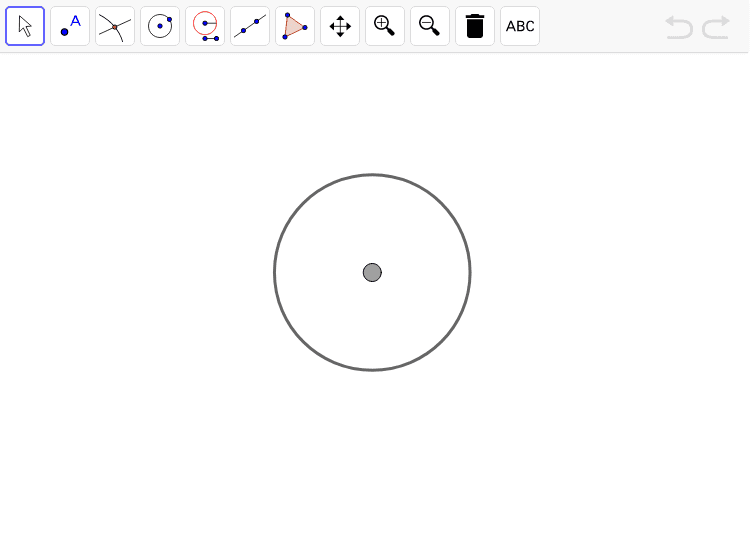
This example demonstrates how to inscribe a square within a circle and provides feedback mechanisms. Key mathematical concepts include the relationship between a circle and a square, the calculation of the circle's radius and the square's side length, and symmetry principles in construction. The construction involves GeoGebra commands such as Segment, Circle, Intersect to create the circle and determine square vertices, with feedback functionality to verify accuracy. Suitable for middle school or high school students learning geometric constructions and circle properties, also useful for math teaching tools development.
GeoGebra Commands & Parameters
Segment(A_1, B_2) → cCircle(M, Segment[A_1, M]) → circle1Point(circle1) → ARay(A, M) → zRayIntersect(circle1, zRay, 2) → B_1Line(sdfdsf, afdfgfs) → aLine(sfdgsdfg, dfgsdfg) → bCircle(B_1, Segment[A, B_1]) → circle2Circle(A, Segment[B_1, A]) → circle3Intersect(circle2, circle3, 2) → C_1Intersect(circle2, circle3, 1) → D_1Segment(C_1, D_1) → zLineIntersect(circle1, zLine, 1) → E_1Intersect(circle1, zLine, 2) → F_1Polygon(E_1, B_1, F_1, A) → zAnswer, d, e, f, g
AI Drawing Prompt Reference
Draw a circle and inscribe a square inside it. The square's vertices should be at the endpoints of the circle's diameter and the two points on the circle's circumference that are directly opposite the diameter's endpoints. Start by drawing a diameter, then extend rays from the endpoints of the diameter at 90-degree angles to the diameter. Where these rays intersect the circle, connect the four points to form the square. Next, draw two auxiliary circles with diameters equal to two sides of the square. The intersections of these circles with the original circle will help determine the midpoints of the square's sides. Connect these midpoints to form the square's remaining sides and complete the shape.
The prompt above was compiled from the original drawing commands and is for reference only.