
Square Alignment
Loading the math board and drawing, please wait…
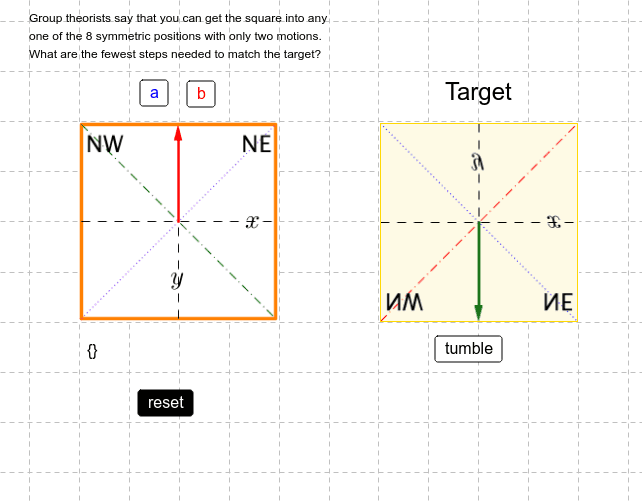
This example demonstrates the alignment and symmetry of squares under various transformations. It involves core mathematical concepts like vectors, polygon construction, rotational symmetry, and coordinate geometry. Key GeoGebra commands used include Vector, Segment, PolyLine, Polygon, Random, and Rotate to construct and dynamically align the shapes. Suitable for high school students to understand transformations and symmetry, and as a practical case for geometric constructions.
GeoGebra Commands & Parameters
Vector(A, B) → uSegment(C, D) → aSegment(E, B) → bSegment(F, G) → cSegment(H, I) → dPolyLine(F, I, G, H, F) → ePolygon(F, I, G, H) → poly1, f, i, g, hRandom(0, 3) → turnsRandom(0, 1) → flipsRotate(N, ((turns * 90))°, M) → N_0Rotate(O, ((turns * 90))°, M) → O_0Rotate(R, ((turns * 90))°, M) → R_0Rotate(Mirror[N, y = y(M)], ((turns * 90))°, M) → N_1Rotate(Mirror[O, y = y(M)], ((turns * 90))°, M) → O_1Rotate(Mirror[R, y = y(M)], ((turns * 90))°, M) → R_1