
Solving Systems Using Substitution: Interactive GeoGebra Practice
Loading the math board and drawing, please wait…
In collections
Systems of Linear Equations
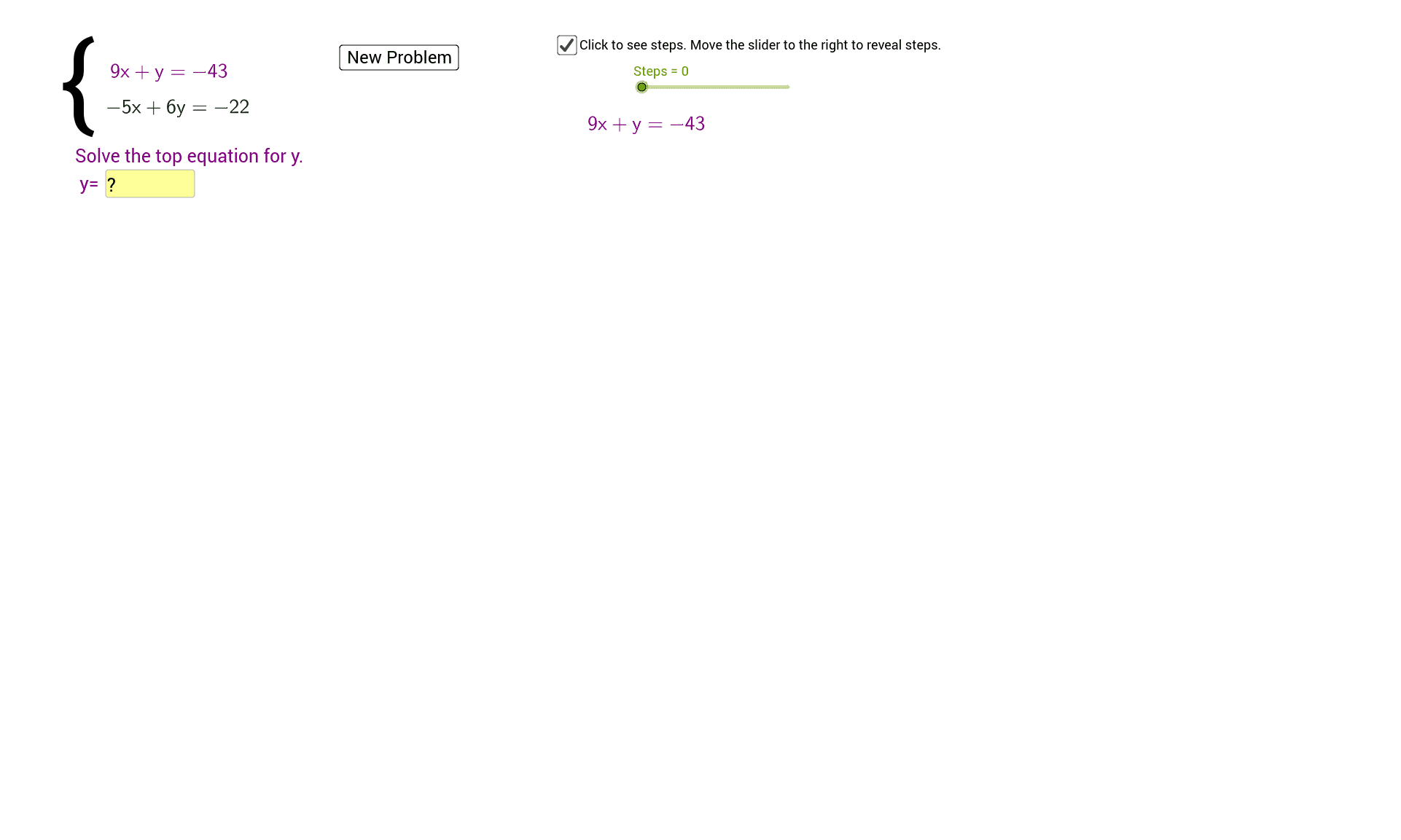
① This example demonstrates how to solve a system of two linear equations using the substitution method, with an interactive GeoGebra interface that lets users input coefficients and instantly see the solution and graphical verification. ② Core math concepts include substitution elimination for linear systems, equation manipulation, uniqueness of solutions, and the correspondence between algebraic solutions and geometric intersection points of lines. ③ Construction highlights: from the summary, commands such as Sequence, RandomElement, Simplify, LaTeX, Textfield, and Segment are used; objects like leftlist, rightlist, list1, list2 store equation sides, while InputBoxes and a button trigger calculations, with text objects displaying the simplified steps and solution. ④ Suitable for middle school to high school students learning algebra, and useful for teachers in classroom demonstrations or for self-paced practice, reinforcing both procedural steps and geometric interpretation.
GeoGebra Commands & Parameters
Sequence(i, i, -10, -1, 1) → leftlistSequence(i, i, 1, 10, 1) → rightlistUnion(leftlist, rightlist) → list1Sequence(i, i, -10, 10, 1) → list2RandomElement(list2) → aRandomElement(list1) → bRandomElement(list1) → cRandomElement(list1) → dRandomElement(list1) → fRandomElement(list1) → mSimplify(((-(x(g) / y(g))) * x) - z(g) / y(g)) → z_1Simplify(((-(x(h) / y(h))) * x) - z(h) / y(h)) → wLaTeX(((-c) * x) + (y * d) = (b * d) - (c * a)) → text2LaTeX((-((m * x))) + y = b - (m * a)) → text1Textfield(i) → InputBox1LaTeX(Simplify[((-(x(g) / y(g))) * x) - z(g) / y(g)]) → text5Textfield(i) → InputBox2Textfield(j) → InputBox3Simplify((-((c * x))) + (d * z_1(x))) → kTextfield(v) → InputBox4Textfield(u) → InputBox5LaTeX(a) → text12Textfield(s) → InputBox6LaTeX((-((m * x))) + y = b - (m * a)) → text16Segment(L, M) → nSegment(N, O) → p
AI Drawing Prompt Reference
Create an interactive coordinate system with two lines representing a system of linear equations. Each line is defined by randomly generated coefficients, and its simplified equation is displayed. Place several input boxes beside the graph for entering coefficients and variable values. Include a button that, when clicked, shows the solution to the system and marks the intersection point of the two lines on the graph. Use text objects to display the step-by-step substitution process, including simplified equations and the final solution. The overall graphic should clearly illustrate the correspondence between the algebraic solution and the geometric intersection point.
The prompt above was compiled from the original drawing commands and is for reference only.