
Solving Quadratic Functions using the Quadratic Formula
Loading the math board and drawing, please wait…
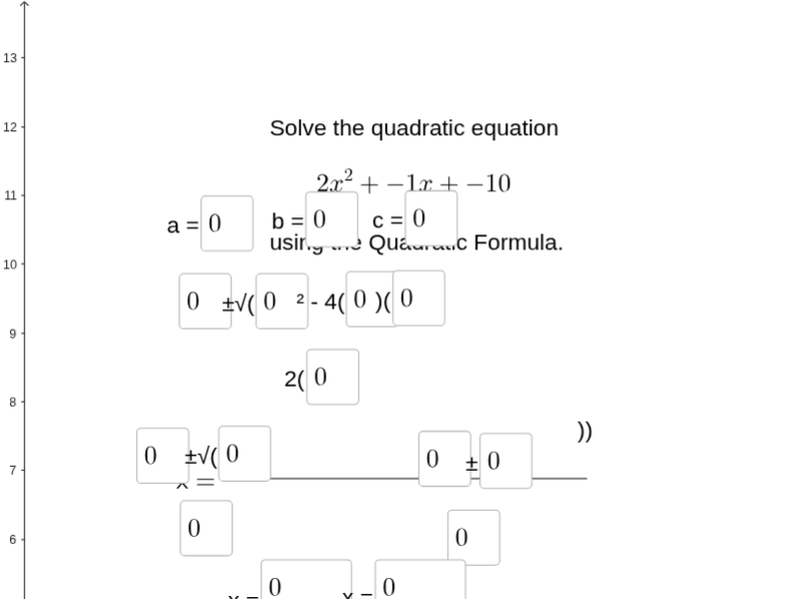
This example demonstrates solving a quadratic function using the Quadratic Formula. Key mathematical concepts include solving quadratic equations, factoring, and the Quadratic Formula. Construction involves GeoGebra commands like SurdText, Textfield, Segment, and Sum to create function graphs and input fields. Suitable for middle or high school mathematics to understand quadratic function properties and solving techniques.
GeoGebra Commands & Parameters
SurdText((a * c)) → text1SurdText((a * d) + (b * c)) → text2SurdText((b * d)) → text3Textfield(a_1) → inputBox1Textfield(b_1) → inputBox2Textfield(c_1) → inputBox3Textfield(b_2) → inputBox4Textfield(b_3) → inputBox5Textfield(a_2) → inputBox6Textfield(c_2) → inputBox7Textfield(a_3) → inputBox8Segment(C, D) → jTextfield(b_4) → inputBox9Textfield(k_1) → inputBox10Textfield(l_1) → inputBox11Textfield(b_5) → inputBox12Textfield(m_1) → inputBox13Textfield(n) → inputBox14Textfield(o) → inputBox15Textfield(r) → inputBox16Segment(K, L) → pSegment(G, H) → qSum(CellRange(A1,A4,"numeric")) → A5
AI Drawing Prompt Reference
Create a visual representation of solving quadratic functions, featuring input fields for coefficients, text displays for discriminant and roots calculated from them, and line segments connecting key points, with a final sum display to show numeric results, illustrating quadratic function properties and solution techniques.
The prompt above was compiled from the original drawing commands and is for reference only.