
Solving Polynomial Inequalities
Loading the math board and drawing, please wait…
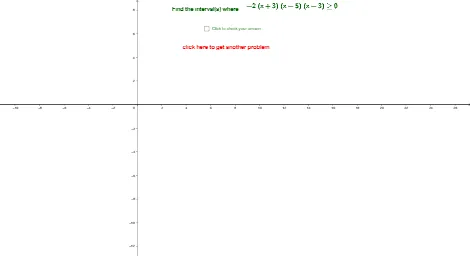
This example demonstrates how to solve polynomial inequalities using GeoGebra, visually showing the solution set of the inequalities. The core mathematical concepts involved include inequalities, symmetry, quadratic functions, and calculus. Key construction points use GeoGebra commands Random, RandomElement, Simplify, LaTeX to generate random polynomials and display their solution sets, utilizing objects such as c, a1, d, b, a, f, f1, e, h, text3_1, k, g, g1, text1, j, text3. Suitable for high school and above mathematics learners to understand and master the solution methods of polynomial inequalities.
GeoGebra Commands & Parameters
Random(-7, 7) → cRandom(-7, 7) → a1RandomElement({-2, -1, 1, 2}) → dRandom(-7, 7) → bRandom(-7, 7) → aSimplify(f) → f1RandomElement({">", "<", "≤", "≥"}) → eRandomElement({f(x) > 0, f(x) ≥ 0, f(x) < 0, f(x) ≤ 0}) → gSimplify(g) → g1LaTeX(g) → text3
AI Drawing Prompt Reference
Create a random quadratic polynomial function f(x) and solve the inequality g(x) > 0, showing the solution set. First, randomly generate the coefficients c, a1, d, b, a to construct f(x) = a1x^2 + bx + c. Then, randomly choose an inequality sign and type to generate g(x) > 0. Finally, simplify and display the solution set g1.
The prompt above was compiled from the original drawing commands and is for reference only.