
Solving Linear Equations on the Number Line
Loading the math board and drawing, please wait…
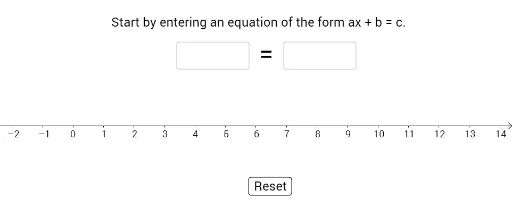
This example demonstrates the process and result of solving linear equations on a number line. Core math concepts include linear equations, number line representation, and the geometric meaning of solutions. Key GeoGebra commands and objects used are Max, Min, Textfield, Point, Vector, Midpoint, Sequence, TableText, If, etc., creating dynamic visualizations and interactive operations for better understanding. Suitable for middle school and above mathematics education, focusing on equation solving and the integration of algebra and geometry.
GeoGebra Commands & Parameters
Max({0, previousValue, olderValue, solution}) → oldMaxMin({previousValue, olderValue, 0, solution}) → oldMinMax({previousValue, value, 0, solution}) → newMaxMin({previousValue, value, 0, solution}) → newMinTextfield(box1Text) → InputBox1Textfield(box2Text) → InputBox2Point({value, 0}) → ATextfield(operationText) → InputBox3Point({previousValue, 0}) → oldAVector(oldA, movingA) → uMidpoint(oldA, A) → BSequence("=", i, 1, Length[expressions]) → L1TableText({expressions, L1, values}, "vc") → text6If(Defined[Element[Solutions[f = value], 1]], Element[Solutions[f = value], 1], 0) → solPoint({sol, 0}) → solutionPoint