
Solving Equations and Inequalities Using Substitution
Loading the math board and drawing, please wait…
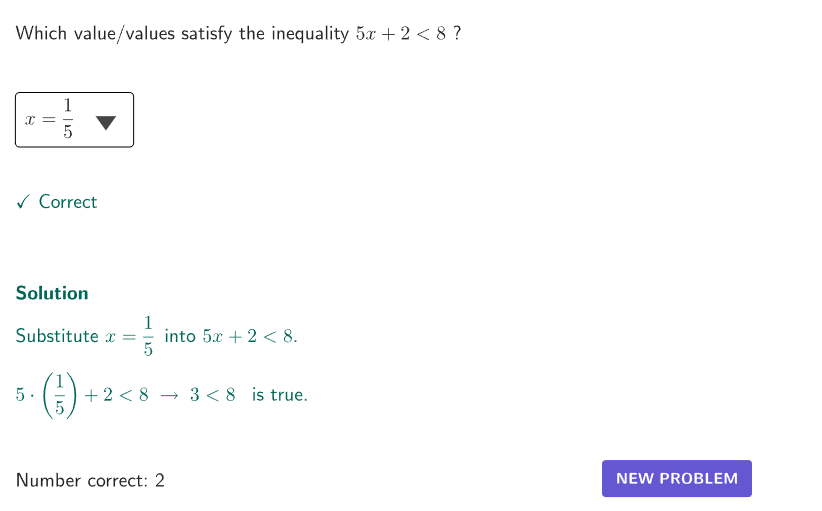
This example demonstrates solving equations and inequalities using the substitution method. Key mathematical concepts include the solution methods for equations and inequalities. The GeoGebra commands in the construction summary help understand how to use the substitution method to solve equations and inequalities. Suitable for students from middle school and above.
GeoGebra Commands & Parameters
Shuffle(Sequence[15]) → problType, {6, 14, 3, 13, 7, 1, 9, 11, 4, 12, 15, 5, 10, 2, 8}Element(problType, Mod[count, Length[problType]] + 1) → valTypeShuffle(Sequence[t, t, 2, 5, 1]) → allA, {4, 2, 5, 3}Element(allA, Mod[count, Length[allA]] + 1) → valAShuffle(Sequence[t, t, 2, 5, 1]) → allB, {4, 5, 2, 3}Element(allB, Mod[count, Length[allB]] + 1) → valBShuffle(Sequence[t, t, 6, 9, 1]) → allC, {9, 7, 8, 6}Element(allC, Mod[count, Length[allC]] + 1) → valCSelectedIndex(dd7) → is7SelectedIndex(dd15) → is15SelectedIndex(dd14) → is14SelectedIndex(dd13) → is13SelectedIndex(dd12) → is12SelectedIndex(dd11) → is11SelectedIndex(dd10) → is10SelectedIndex(dd9) → is9SelectedIndex(dd8) → is8SelectedIndex(dd6) → is6SelectedIndex(dd5) → is5SelectedIndex(dd4) → is4SelectedIndex(dd3) → is3SelectedIndex(dd1) → is1SelectedIndex(dd2) → is2Element(allA, Mod[countQuestion, 15] + 1) → randomNum2Element(problType, Mod[countQuestion, 20] + 1) → randomNum1Textfield(input1) → InputBox1Textfield(input2) → InputBox2Polygon(Zip[PixelsToPoint[Corner[1], Corner[3], Corner[5], A], A, {(pixelsLeft, pixelsTop), (pixelsLeft, y(Corner[5]) - pixelsBottom), Corner[5] - (pixelsRight, pixelsBottom), (x(Corner[5]) - pixelsRight, pixelsTop)}]) → borderBoxCorner(5) → layoutAppSizeSegment(A, B) → displaySegmentexpandSegment(A, B, (pulsing * 7), Corner[1], Corner[3], Corner[5]) → pulsingObjectonboardingTextOffset(Corner[onboardingText, 1], Corner[onboardingText, 3], onboardingCase, Corner[1], Corner[3], Corner[5]) → OnboardingTextOffsetElement({If[layoutX ≟ 16, layoutX - 5, 11], layoutX - 5}, layoutCase) → layoutHintSolnX
AI Drawing Prompt Reference
Create an interactive educational diagram demonstrating solving equations and inequalities by substitution. The center shows a coordinate plane with a draggable segment representing the solution range. Around it, place dropdown menus and input boxes for selecting problem type, coefficients, and constants. A rectangular border frames the interactive area. The layout emphasizes the connection between algebra and geometry, suitable for middle school math.
The prompt above was compiled from the original drawing commands and is for reference only.