
Solving 'a' in Geometry - Exponential Equations
Loading the math board and drawing, please wait…
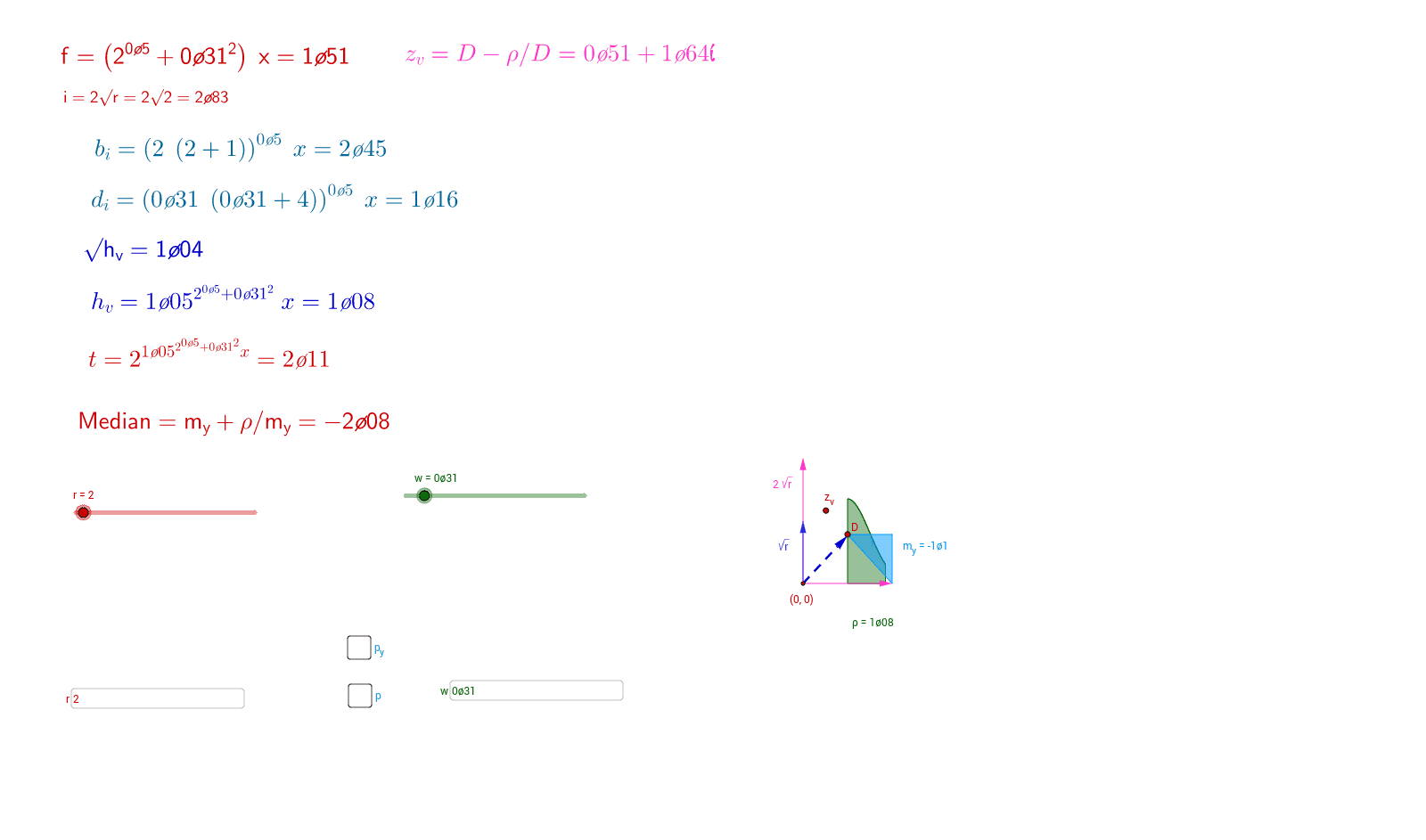
This example demonstrates how to solve for parameter 'a' in exponential equations using geometric methods. Core math concepts include geometric construction, vectors, polygons, rotation, integration, etc. GeoGebra commands and objects used are Vector, Point, Polygon, Rotate, Integral, Textfield, Line, Slope. Suitable for high school and above mathematics learners to understand the integration of geometry and exponential equations.
GeoGebra Commands & Parameters
Vector((r, 0)) → uVector((0, w)) → vVector((r, 0), (0, w)) → cPoint(c) → BPoint(c) → APolygon(C, A, B) → poly1, b_1, c_1, a_1Rotate(C, 90°, C) → C'Rotate(A, 90°, C) → A'Rotate(B, 90°, C) → B'Polygon(C', A', B') → poly1', b', c', a'Vector((0, (2 * r^(0.5)))) → gVector((0, r^(0.5))) → lIntegral(p(x) / σ, 1, 1.851) → ρPoint(p) → DPoint(g) → EVector((0, 0), (1, h(1))) → iTextfield(r) → InputBox1Textfield(w) → InputBox2Line(D, z_v) → lineSlope(line) → m_y
AI Drawing Prompt Reference
Draw a geometric construction showing two 90-degree rotated polygons, vectors, points, integrals, and slopes. Start by creating a rectangle, then rotate its vertices 90 degrees clockwise around the center to form another rectangle. Next, draw a vertical vector from the center of the original rectangle and place a point at its tip. Plot another point based on an integral result and connect it to one side of the original rectangle. Finally, display two parameter text boxes near the diagram and calculate the slope of the line connecting the integral point to the midpoint of the rectangle's side.
The prompt above was compiled from the original drawing commands and is for reference only.