
Solve a Right Triangle
Loading the math board and drawing, please wait…
In collections
PARCC Math II Unit 5 Lesson 5
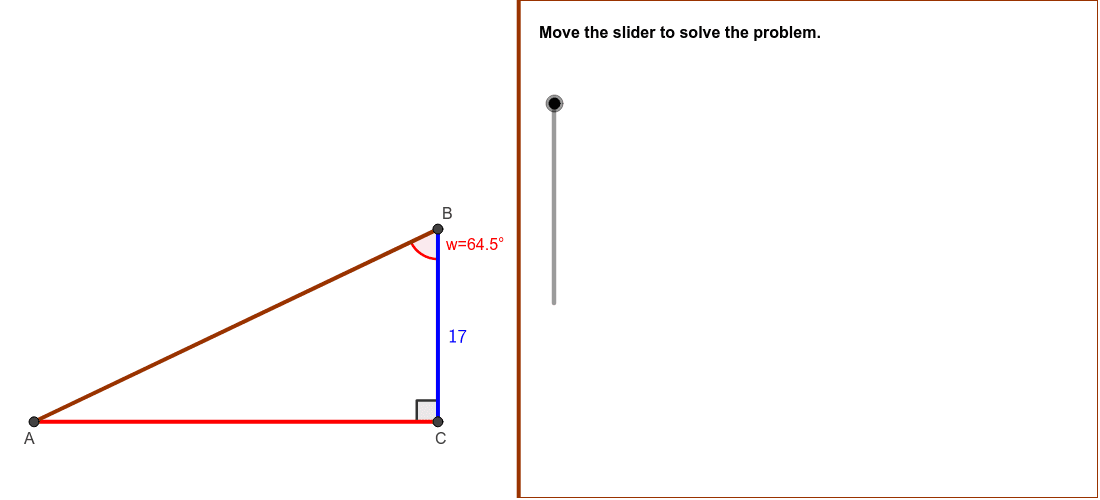
This example demonstrates how to solve the sides and angles of a right triangle given certain conditions. Key mathematical concepts include trigonometry and coordinate geometry. GeoGebra commands such as Polygon, Segment, and Angle are used for geometric construction. Suitable for students in middle school and above learning about right triangles.
GeoGebra Commands & Parameters
Min(5, (5 * distanceAC / distanceBC)) → lengthACPolygon((Edge, y(Corner[1])), Corner[2], Corner[3], (Edge, y(Corner[4]))) → Mask, a, b, c, dMin(5, (5 * distanceBC / distanceAC)) → lengthBCSegment(C, B) → BCSegment(A, C) → ACSegment(A, B) → ABAngle(A, B, C) → ABCAngle(B, C, A) → BCAAngle(C, A, B) → CAB
AI Drawing Prompt Reference
Draw a right triangle ABC with angle A as the right angle. First, create points A, B, and C, then connect them to form the triangle. Next, measure the lengths of AB, BC, and AC, and calculate the degrees of angles BAC, BCA, and CAB.
The prompt above was compiled from the original drawing commands and is for reference only.