
Solution of System of Linear Equations
Loading the math board and drawing, please wait…
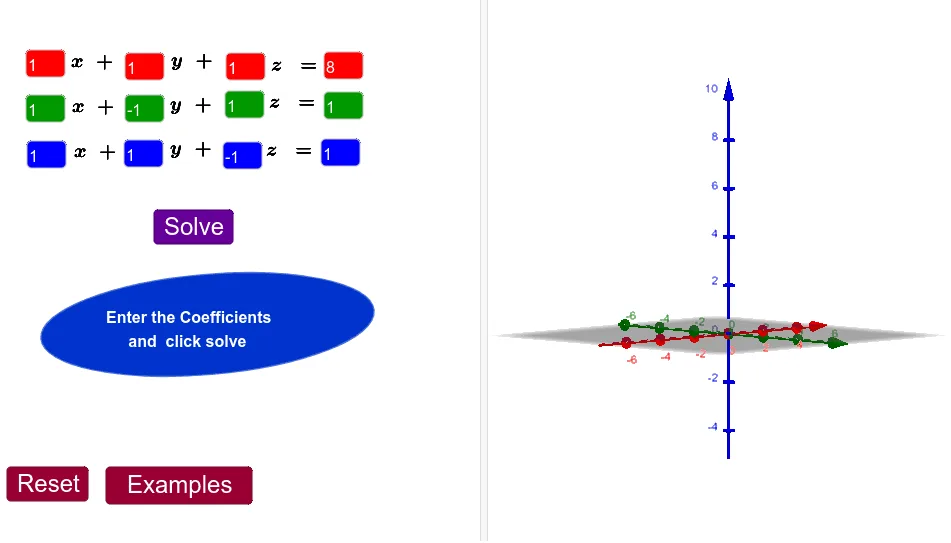
This example demonstrates the solution of a system of linear equations. Using GeoGebra commands, the process of solving linear equations is visually illustrated. The construction summary mentions commands like Element, IntersectPath, and Intersect, which are used to create and manipulate geometric objects. Suitable for students in middle school and above studying linear algebra and coordinate geometry.
GeoGebra Commands & Parameters
Element(L_1, 1) → A5Element(L_1, 2) → B5Element(L_1, 3) → C5Element(L_1, 4) → D5Element(L_2, 1) → A6Element(L_2, 2) → B6Element(L_2, 3) → C6Element(L_2, 4) → D6Element(L_3, 1) → A7Element(L_3, 2) → B7Element(L_3, 3) → C7Element(L_3, 4) → D7IntersectPath(a, b) → fIntersectPath(a, c) → gIntersectPath(b, c) → hIntersect(f, g) → ATextfield(A1) → InputBox1Textfield(B1) → InputBox2Textfield(C1) → InputBox3Textfield(D1) → InputBox4Textfield(A2) → InputBox5Textfield(B2) → InputBox6Textfield(C2) → InputBox7Textfield(D2) → InputBox8Textfield(A3) → InputBox9Textfield(B3) → InputBox10Textfield(C3) → InputBox11Textfield(D3) → InputBox12IntersectPath(a, b) → jEllipse(B, C, D) → p