
Solar System Scale Practice: Build a Proportional Model with Geometry
Loading the math board and drawing, please wait…
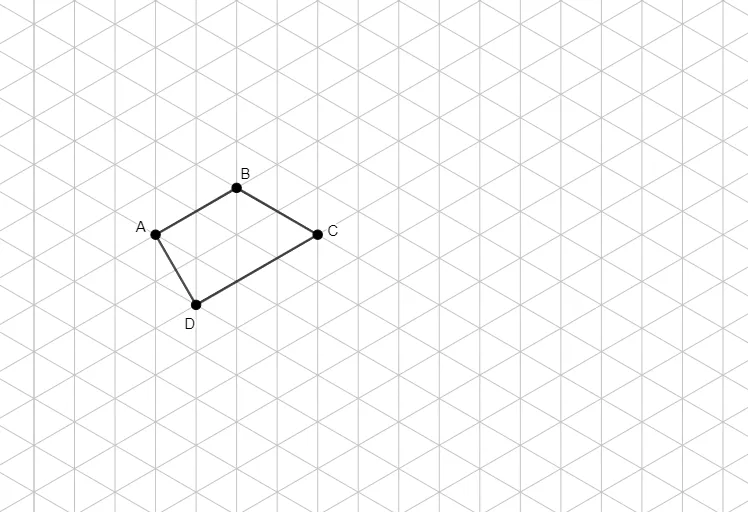
This example demonstrates how to visualize Solar System distance scales using a proportional geometric model. It focuses on key ideas such as scaling/proportional representation, linear functions for mapping real distances to chart size, and geometric construction where key points are connected to form a polygon-based layout. Construction-wise, the provided GeoGebra summary indicates using the Polygon command to create a shape from points A, B, C, D together with auxiliary objects q1, a, b, c, d, which typically serve as parameters or reference coordinates for the scale. The result is a clear, interactive representation of how changing scale parameters affects the displayed spacing. Suitable for middle/high school math (and STEM) lessons on ratios, linear modeling, and geometric visualization.
GeoGebra Commands & Parameters
Polygon(A, B, C, D) → q1, a, b, c, d
AI Drawing Prompt Reference
Create a polygon drawing defined by four key vertices, connected in order to form a closed geometric outline. Use the four main points as the construction basis, and include an additional set of parameter-like reference values to act as scaling or proportional controls that guide where those vertices lie. Present the polygon as a proportional model visualization, suitable for illustrating how real-distance scale can be mapped onto chart size via linear relationships, so adjustments to the scale references change the polygon’s overall spacing.
The prompt above was compiled from the original drawing commands and is for reference only.