
Simplifying Imaginary Numbers
Loading the math board and drawing, please wait…
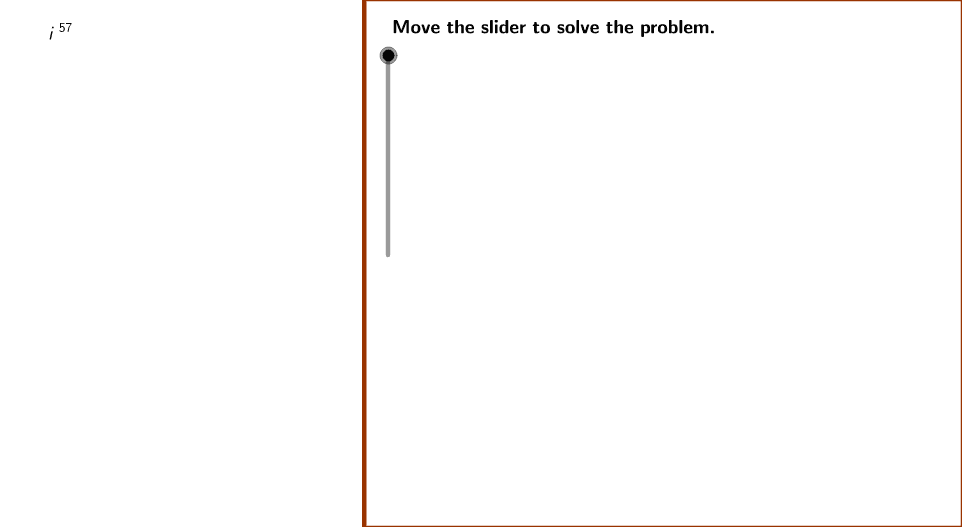
This example demonstrates the dynamic simplification of imaginary numbers using GeoGebra, highlighting geometric interpretations. Key math concepts include complex number operations, power functions, and polygon constructions. GeoGebra commands and objects like Polygon, Textfield, Mod, Div, and Element are utilized to construct the visualization. Suitable for high school mathematics education to enhance understanding of the connection between complex numbers and geometry through visual learning.
GeoGebra Commands & Parameters
Polygon((Edge, y(Corner[1])), Corner[2], Corner[3], (Edge, y(Corner[4]))) → Mask, a, b, c, dTextfield(Power) → PowerBoxMod(Power, 4) → remainderDiv(Power, 4) → quotientElement(PowerList, r2) → PowerFinal
AI Drawing Prompt Reference
Create a dynamic visualization showing the simplification of imaginary numbers, featuring a polygon and a text box. The polygon changes shape based on the input power of the imaginary number, while the text box displays the power. Use modulo 4 and division to determine the polygon's vertices, highlighting the geometric representation and simplification process of the imaginary power.
The prompt above was compiled from the original drawing commands and is for reference only.