
Semicircle Example
Loading the math board and drawing, please wait…
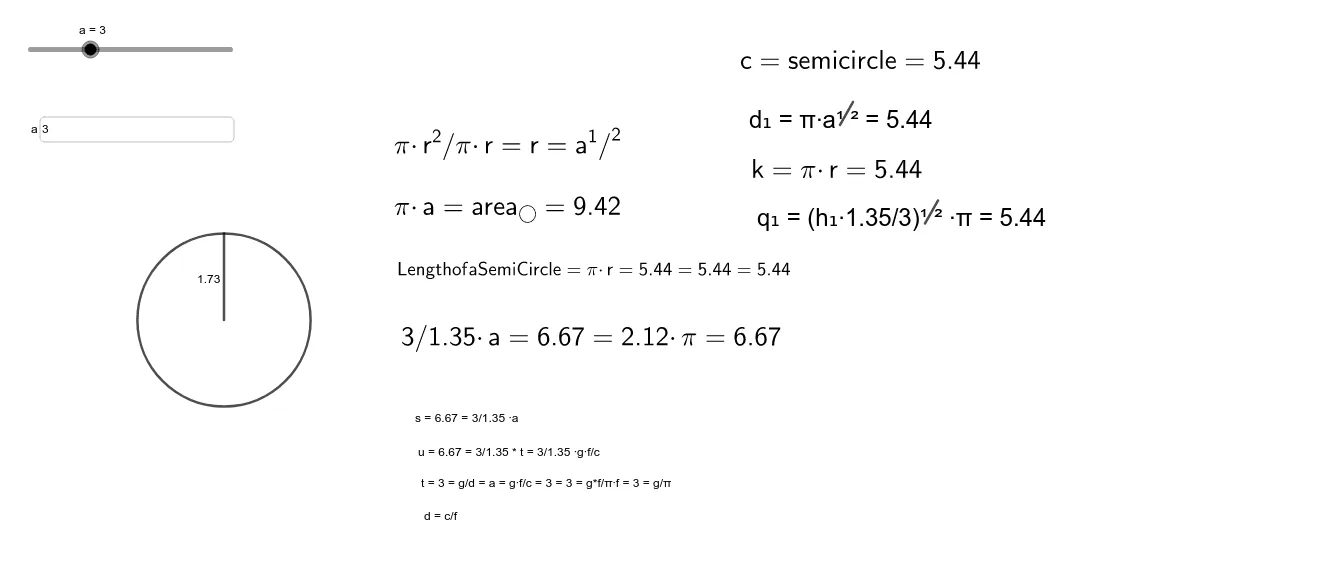
This example demonstrates the geometric construction of a semicircle and its related properties. It involves core mathematical concepts such as circles, chords, area calculation, definite integrals, and trigonometric functions. The construction uses commands/objects like Semicircle, Point, Segment, Circle, Textfield, Area, and PointIn in GeoGebra. It is suitable for high school mathematics teaching, particularly for understanding applications of integrals in analytical geometry and calculus.
GeoGebra Commands & Parameters
Semicircle(C, B) → cPoint(c) → DSegment(A, D) → fCircle(A, D) → eTextfield(a) → InputBox1Area(e) → gPointIn(e) → PointeSegment(E, F) → f_1Segment(E_1, F_1) → f_2
AI Drawing Prompt Reference
Start by drawing a semicircle with two fixed endpoints, then place a movable point on its arc. Connect this point to one endpoint of the semicircle's diameter to form a chord. Using the other endpoint of that chord as the center, draw a full circle with radius equal to the chord length. Add an input text box for adjusting a parameter. Calculate and display the area of this full circle, and place a random point inside it. Finally, connect this interior point to the two fixed endpoints of the semicircle with two segments to illustrate the geometric relationships.
The prompt above was compiled from the original drawing commands and is for reference only.