
Scaling the Surface Area of a Cone
Loading the math board and drawing, please wait…
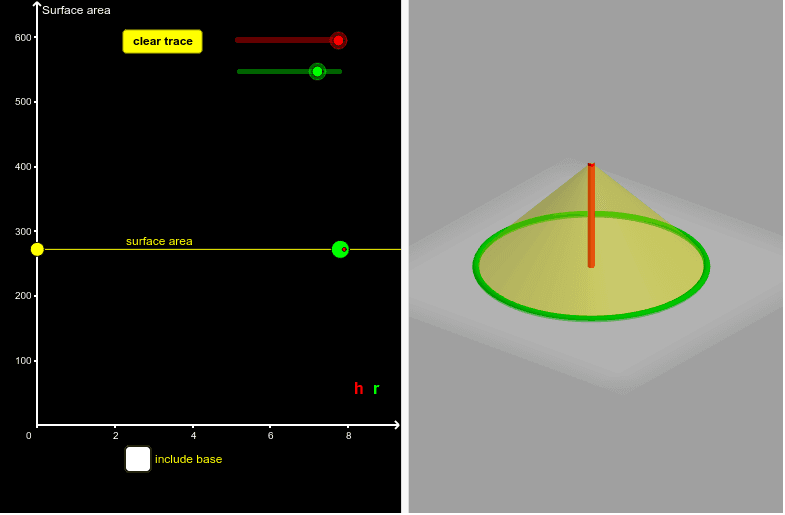
This example demonstrates the scaling relationship between the surface area of a cone and its dimensions. Key math concepts include the formula for the surface area of a cone, geometric transformations, and proportional relationships. Construction highlights the use of GeoGebra commands like Cone, Segment, Ray to build the cone and related elements, dynamically showing surface area changes via sliders. Suitable for high school students learning solid geometry and calculus to understand the connection between surface area and dimensions of geometric solids.
GeoGebra Commands & Parameters
Cone(A, C, r) → b, c, dSegment(C, A) → gRay(G, F) → i
AI Drawing Prompt Reference
Draw a cone with adjustable height and base radius to demonstrate how changes in dimensions affect the surface area, using sliders for dynamic adjustments. Include a line segment connecting the apex to the center of the base and a ray originating from the apex to illustrate geometric transformations and proportional relationships.
The prompt above was compiled from the original drawing commands and is for reference only.