
Scaling and Area with Quadrilaterals: A Dilation Construction
Loading the math board and drawing, please wait…
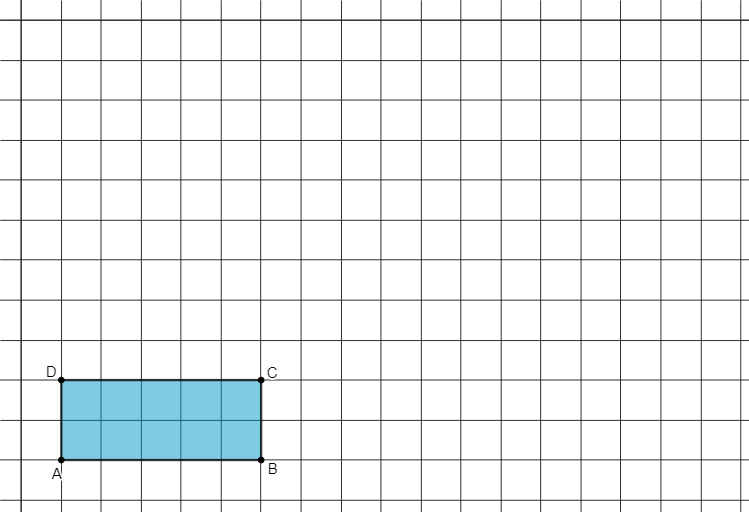
This example demonstrates how a quadrilateral (including trapezoids or general quadrilaterals) changes under a geometric dilation: the corresponding lengths follow the scaling ratio, and the area scales by the square of that ratio. The key mathematical ideas are dilation as a similarity transformation, the relationship between matching edges under scaling, and the area scaling law (area ∝ k²). Where relevant, it can also connect to length computations using the Pythagorean theorem. Construction-wise, the GeoGebra build uses the Polygon command to create polygon objects A, B, C, D and then uses additional points/parameters such as q1 and a, b, c, d to form the dilated configuration for direct comparison. Suitable for middle to early high school geometry instruction on transformations and similarity, as well as for student exploration and geometry construction practice.
GeoGebra Commands & Parameters
Polygon(A, B, C, D) → q1, a, b, c, d
AI Drawing Prompt Reference
Draw a quadrilateral on a coordinate plane, choosing four vertices so the shape may be a trapezoid or a general quadrilateral. Label the original corner points and the corresponding sides. Then apply a geometric dilation with a chosen scaling ratio to the quadrilateral to construct a second quadrilateral formed by the dilated images of the original vertices. Place the original and dilated figures together so that corresponding edges match in direction and are scaled by the same factor, enabling comparison of how lengths scale and how the area of the quadrilateral changes according to the area scaling law (proportional to the square of the ratio).
The prompt above was compiled from the original drawing commands and is for reference only.