
Rotations in the Coordinate Plane
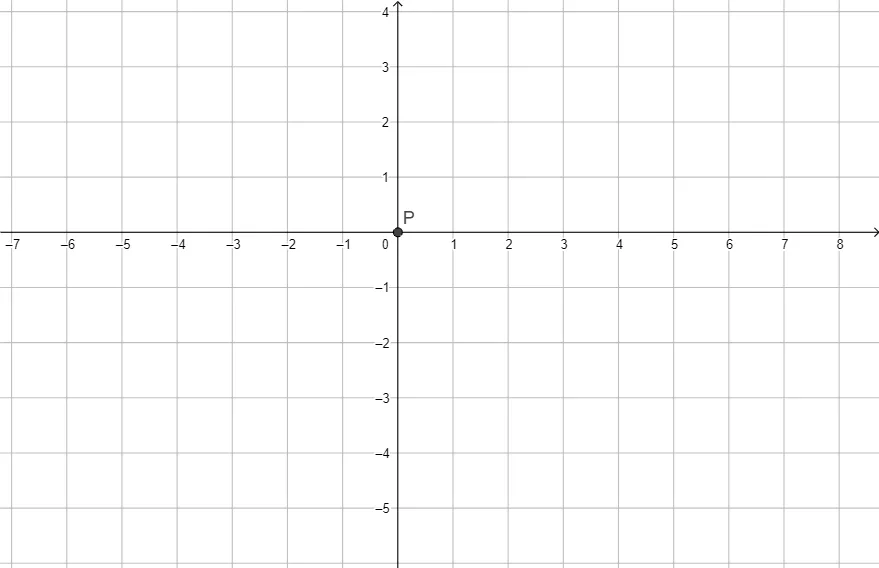
Loading the math board and drawing, please wait…
This example demonstrates geometric transformations through rotation in the coordinate plane. Key mathematical concepts include rotation matrices, coordinate transformations, and geometric symmetry. The construction involves using the Intersect command to determine rotation centers and target points, requiring careful parameter settings for rotation angles and radii. Suitable for middle school and above to understand geometric transformation principles and practical applications.
GeoGebra Commands & Parameters
Intersect(xAxis, yAxis) → P
AI Drawing Prompt Reference
Create a rotation transformation on the coordinate plane by first drawing the x-axis and y-axis, then finding their intersection point P as the rotation center. Select a point to rotate, set the rotation angle and radius, and use P as the center to perform the rotation. Adjust parameters carefully to ensure the rotation is correct.
The prompt above was compiled from the original drawing commands and is for reference only.