
Rotations as Art - Epcot
Loading the math board and drawing, please wait…
In collections
1.2.2 Rotations as Art - Class Quilt
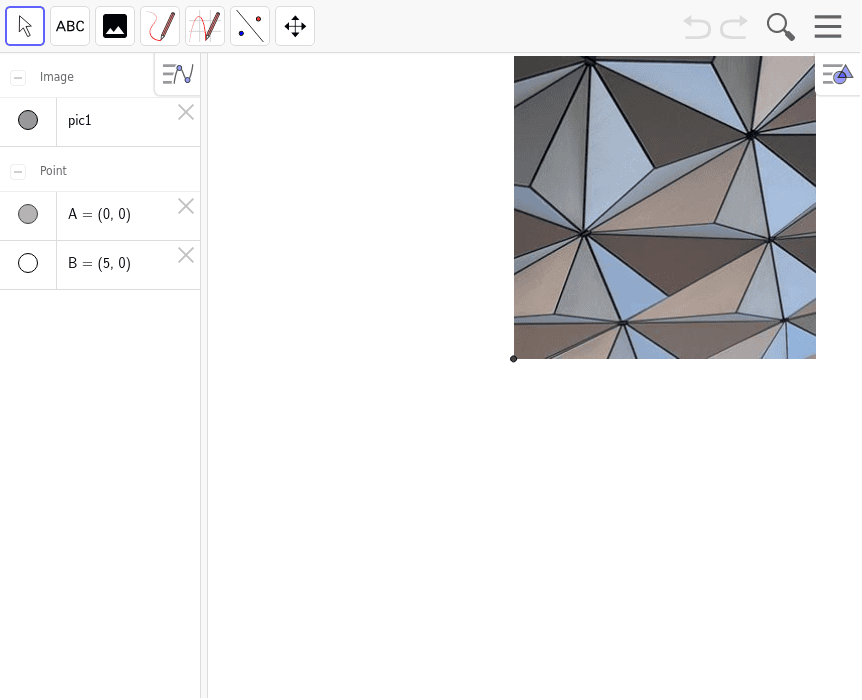
This example demonstrates how students can create images using rotation transformations, which can be combined with solid colored squares to form a class quilt. It involves core math concepts like rotation, polygon construction, and coordinate geometry. The construction uses GeoGebra commands such as Intersect and Point to determine the positions of rotated figures. Suitable for middle school and above, it's ideal for teaching geometric transformations and creative projects.
GeoGebra Commands & Parameters
Intersect(xAxis, yAxis) → APoint(xAxis) → B
AI Drawing Prompt Reference
Create an artistic pattern using rotated shapes and solid-colored squares to demonstrate the application of rotation transformations. Begin by identifying the intersection of the coordinate axes as the rotation center and mark a point on the X-axis as the starting position for rotation. Rotate and combine these shapes to form a design resembling a class quilt, emphasizing geometric transformations and coordinate geometry concepts.
The prompt above was compiled from the original drawing commands and is for reference only.