
Rotational Symmetry of Special Shapes
Loading the math board and drawing, please wait…
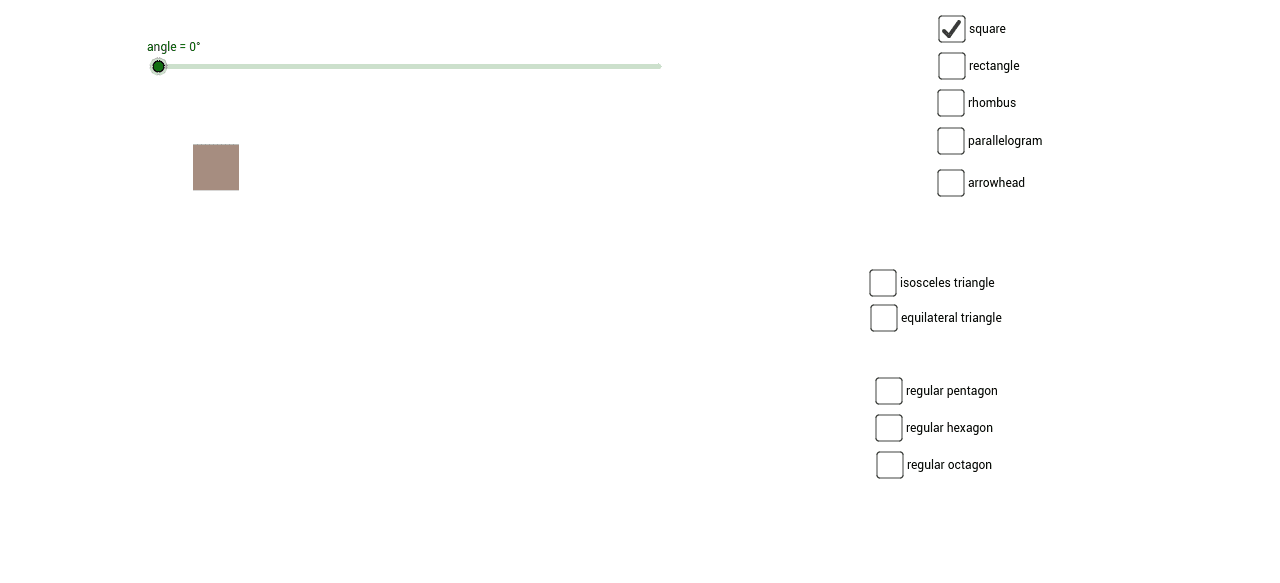
This example demonstrates the rotational symmetry of special shapes, focusing on the concept of rotational symmetry. Using GeoGebra commands such as Point, Polygon, Centroid, and Rotate, specific polygons with particular rotational symmetry are constructed. Suitable for middle school and above students or teachers to understand the concept of rotational symmetry.
GeoGebra Commands & Parameters
Point(xAxis) → APoint(xAxis) → BPoint(xAxis) → EPoint(xAxis) → FPoint(xAxis) → MPoint(xAxis) → PPoint(xAxis) → SPolygon(Z, A_1, 3) → poly1, a, b, c, B_1Polygon(A, B, C, D) → poly2, a_1, b_1, c_1, dPolygon(E, F, G, H) → poly3, e, f, g, hPolygon(I, J, K, L) → poly4, i, j, k, lPolygon(M, P, O, N) → poly5, m, p, o, nPolygon(Q, R, S, T) → poly6, q, r, s, tPolygon(U, V, W) → poly7, w, u, vPolygon(E_1, F_1, 5) → poly8, l_1, m_1, n_1, p_1, q_1, G_1, H_1, I_1Polygon(J_1, K_1, 6) → poly9, r_1, O_1, s_1, t_1, a_2, b_2, c_2, L_1, M_1, N_1Polygon(P_1, Q_1, 8) → poly10, d_2, S_1, T_1, U_1, V_1, W_1, e_2, f_2, g_2, h_2, i_2, j_2, k_2, R_1Centroid(poly9) → C_1Centroid(poly8) → D_1Centroid(poly10) → Z_1Centroid(poly1) → A_2Centroid(poly2) → B_2Centroid(poly3) → C_2Centroid(poly4) → D_2Centroid(poly5) → E_2Centroid(poly7) → F_2Rotate(A, angle, B_2) → A'Rotate(B, angle, B_2) → B'Rotate(C, angle, B_2) → C'Rotate(D, angle, B_2) → D'Polygon(A', B', C', D') → poly2', a', b', c', d'Rotate(E, angle, C_2) → E'Rotate(F, angle, C_2) → F'Rotate(G, angle, C_2) → G'Rotate(H, angle, C_2) → H'Polygon(E', F', G', H') → poly3', e', f', g', h'Rotate(I, angle, D_2) → I'Rotate(J, angle, D_2) → J'Rotate(K, angle, D_2) → K'Rotate(L, angle, D_2) → L'Polygon(I', J', K', L') → poly4', i', j', k', l'Rotate(M, angle, E_2) → M'Rotate(P, angle, E_2) → P'Rotate(O, angle, E_2) → O'Rotate(N, angle, E_2) → N'Polygon(M', P', O', N') → poly5', m', p', o', n'Rotate(U, angle, F_2) → U'Rotate(V, angle, F_2) → V'Rotate(W, angle, F_2) → W'Polygon(U', V', W') → poly7', w', u', v'Rotate(poly1, angle, A_2) → poly1'Rotate(poly8, angle, D_1) → poly8'Rotate(Q, angle, R) → Q'Rotate(R, angle, R) → R'Rotate(S, angle, R) → S'Rotate(T, angle, R) → T'Polygon(Q', R', S', T') → poly6', q', r', s', t'Rotate(poly9, angle, C_1) → poly9'Rotate(poly10, angle, Z_1) → poly10'
AI Drawing Prompt Reference
Draw a special polygon with rotational symmetry. Start by creating points A, B, E, F, M, P, S on the x-axis, then draw polygons poly1, poly2, poly3, poly4, poly5, and poly6. Next, draw polygons poly8, poly9, and poly10, and find their centroids C1, D1, Z1, A2, B2, C2, D2, E2, and F2. Finally, rotate polygons around points B2, C2, D2, E2, and F2 to generate new polygons poly2', poly3', poly4', poly5', and poly6'.
The prompt above was compiled from the original drawing commands and is for reference only.