
Rotational Symmetry Demo by juliacyng
Loading the math board and drawing, please wait…
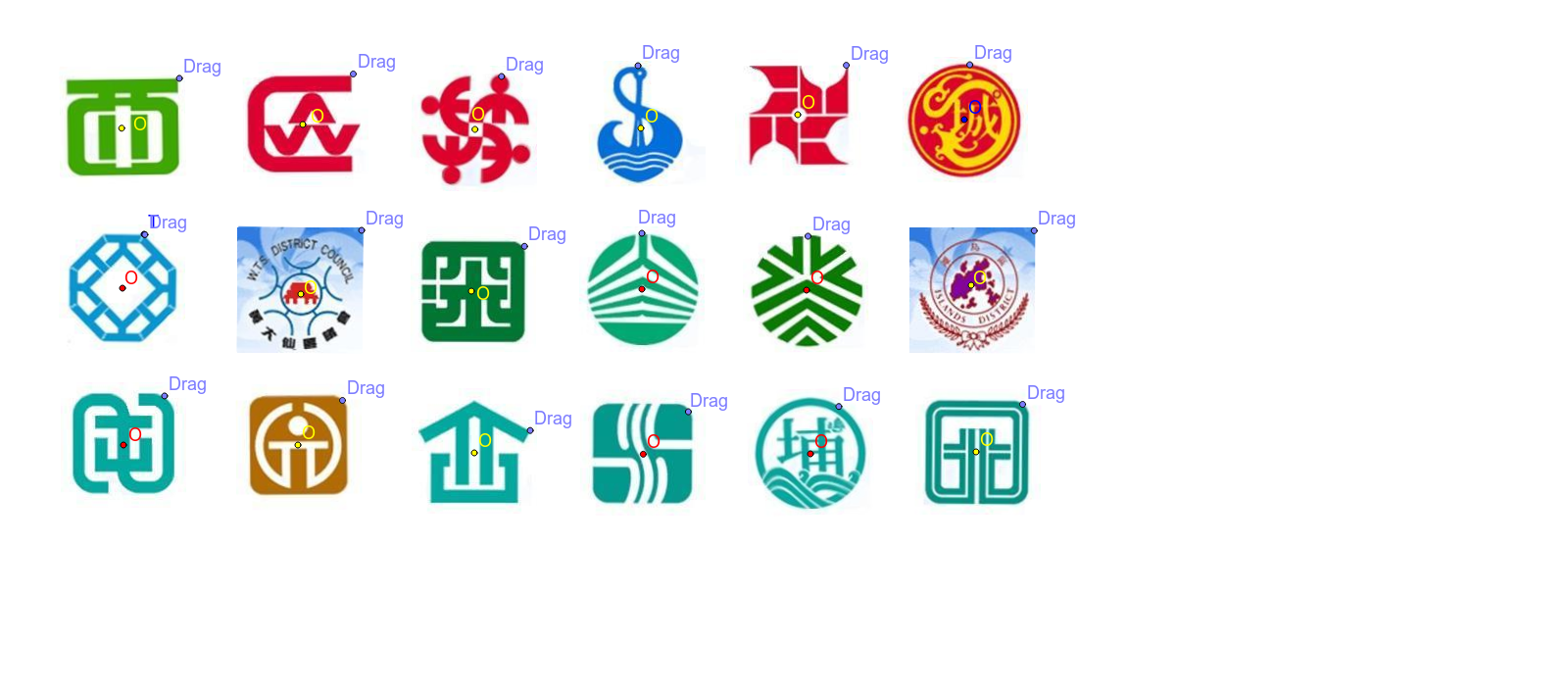
This example demonstrates the concept of rotational symmetry where a shape coincides with itself upon rotation around a central point by a certain angle. Key math concepts include symmetry, angles, and geometric transformations. It is constructed using GeoGebra commands like Circle, Point, Angle, and Rotate. Suitable for middle school students and above to learn geometric transformations and symmetry, or for mathematical demonstrations.
GeoGebra Commands & Parameters
Circle(O, A) → cPoint(c) → BAngle(A, O, B) → αRotate(pic1, α, O) → pic1'Circle(D, C) → dPoint(d) → EAngle(C, D, E) → βRotate(pic2, β, D) → pic2'Circle(G, F) → ePoint(e) → HAngle(F, G, H) → γRotate(pic15, γ, G) → pic15'Circle(I, J) → fPoint(f) → KAngle(J, I, K) → δRotate(pic9, δ, I) → pic9'Circle(L, M) → gPoint(g) → NAngle(M, L, N) → εRotate(pic18, ε, L) → pic18'Circle(P, Q) → hPoint(h) → RAngle(Q, P, R) → ζRotate(pic5, ζ, P) → pic5'Circle(S, T) → kPoint(k) → UAngle(T, S, U) → ηRotate(pic6, η, S) → pic6'Circle(V, W) → pPoint(p) → ZAngle(W, V, Z) → θRotate(pic11, θ, V) → pic11'Circle(A_1, B_1) → qPoint(q) → C_1Angle(B_1, A_1, C_1) → ιRotate(pic13, ι, A_1) → pic13'Circle(D_1, E_1) → rPoint(r) → F_1Angle(E_1, D_1, F_1) → κRotate(pic10, κ, D_1) → pic10'Circle(G_1, H_1) → sPoint(s) → I_1Angle(H_1, G_1, I_1) → λRotate(pic7, λ, G_1) → pic7'Circle(J_1, K_1) → tPoint(t) → L_1Angle(K_1, J_1, L_1) → μRotate(pic17, μ, J_1) → pic17'Circle(M_1, N_1) → c_1Point(c_1) → O_1Angle(N_1, M_1, O_1) → νRotate(pic8, ν, M_1) → pic8'Circle(P_1, Q_1) → d_1Point(d_1) → R_1Angle(Q_1, P_1, R_1) → ξRotate(pic16, ξ, P_1) → pic16'Circle(S_1, T_1) → e_1Point(e_1) → U_1Angle(T_1, S_1, U_1) → οRotate(pic14, Angle[T_1, S_1, U_1], S_1) → pic14'Circle(V_1, W_1) → f_1Point(f_1) → Z_1Rotate(pic4, Angle[W_1, V_1, Z_1], V_1) → pic4'Circle(A_2, B_2) → g_1Point(g_1) → C_2Rotate(pic3, Angle[B_2, A_2, C_2], A_2) → pic3'Circle(D_2, E_2) → h_1Point(h_1) → F_2Rotate(pic12, Angle[E_2, D_2, F_2], D_2) → pic12'
AI Drawing Prompt Reference
Create a rotational symmetry figure by rotating a circle around a central point. Start by drawing a circle and selecting a point on it to measure the angle to the center. Then, rotate the circle around the center by this angle. Repeat this process, rotating by different angles each time, until a figure with multiple rotational symmetries is formed.
The prompt above was compiled from the original drawing commands and is for reference only.