
Rotational Symmetry by Alfred Estberg
Loading the math board and drawing, please wait…
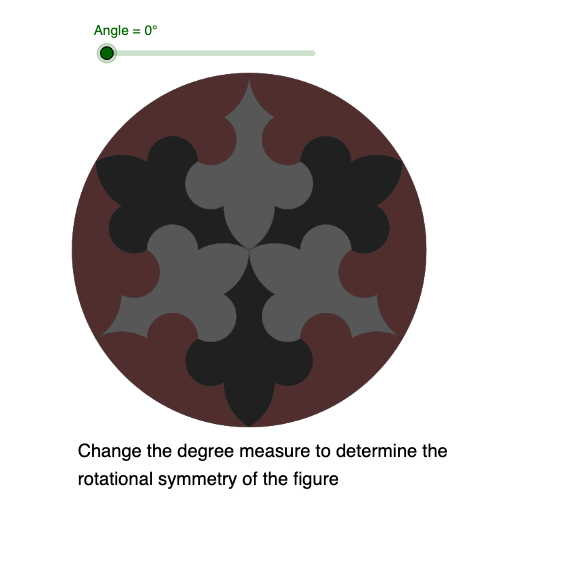
This example demonstrates rotational symmetry by rotating shapes to show they coincide with the original after a certain angle. Core concepts include symmetry, angles, and geometric transformations. It uses the Rotate command on objects A, B, pic1, C, with Angle as the rotation parameter, pic1' as the rotated image, and text1 for annotations. Suitable for middle school and above students learning geometric transformations and symmetry, or for educational demonstrations.
GeoGebra Commands & Parameters
Rotate(pic1, Angle, C) → pic1'
AI Drawing Prompt Reference
Draw a shape and rotate it around a central point so that it coincides with the original after a certain angle. First, draw a shape like a triangle, then rotate this shape around a point by a specified angle to observe if the rotated shape matches the original, demonstrating rotational symmetry.
The prompt above was compiled from the original drawing commands and is for reference only.