
Rotational Cross Section Volume
Loading the math board and drawing, please wait…
In collections
Volume Apps
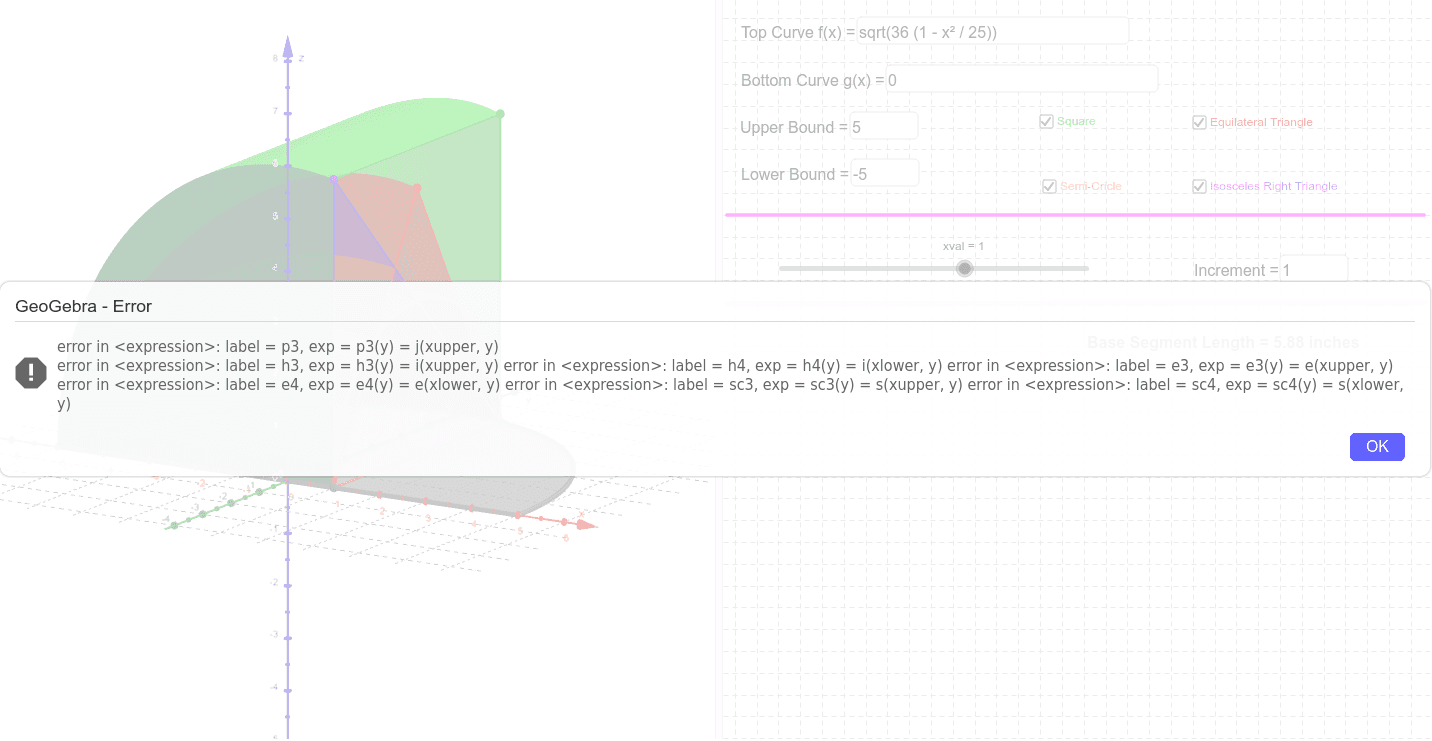
This example demonstrates how to calculate volume by rotating cross sections. Key mathematical concepts include integration and solid geometry. Using GeoGebra commands like Simplify, Integral, and Surface, the rotation of the solid can be constructed. Suitable for high school or university calculus and solid geometry courses.
GeoGebra Commands & Parameters
Simplify(ISOSarea) → h1Integral(isosarea, x) → iSimplify(SQarea) → p1Integral(area2dfunction, x) → jTextfield(f) → TopTextfield(xlower) → LBSegment(C, B) → cbsqSegment(B, D) → dbsqSegment(E, C) → ecsqIntegral(p1, x) → p2Simplify(p3(y) - p4(y)) → p5Simplify(p3) → f_2Textfield(g) → BottomTextfield(xupper) → UBIntersect(f, g, xlower, xupper) → F, GSurface(t, (u * f(t)) + ((1 - u) * g(t)), 0, t, xlower, xupper, u, 0, 1) → kSegment(B, Disos) → disosSegment(C, Disos) → hypSegment(B, C) → cisosSegment(C, B) → ceqSegment(B, H) → eq1Segment(C, H) → eq2Integral(h1, x) → h2Simplify(h3(y) - h4(y)) → h5Simplify(EQarea) → e1Integral(e1, x) → e2Integral(eqarea, x) → eSegment(E, D) → edsqSimplify(e3(y) - e4(y)) → e5Semicircle(B, C, xOyPlane) → cRotate(c, 1.5707963267948966, Segment[B, C]) → semiSimplify(SCarea) → sc1Integral(scarea, x) → sIntegral(sc1, x) → sc2Simplify(sc3(y) - sc4(y)) → sc5Segment(C, B) → cbscSurface(u, (g(u) * v) + ((f(u) + g(u)) / 2 * (1 - v)), (((1 - v) * (f(u) - g(u))) * sqrt(3) / 2), u, xlower, xval, v, 0, 1) → aSurface(u, (f(u) * v) + ((f(u) + g(u)) / 2 * (1 - v)), (((1 - v) * (f(u) - g(u))) * sqrt(3) / 2), u, xlower, xval, v, 0, 1) → bSurface(u, (v * f(u)) + ((1 - v) * g(u)), (abs(f(u) - g(u)) / 2 * sqrt(1 - ((2 * v) - 1)^(2))), u, xlower, xval, v, 0, 1) → dSurface(u, g(u), (v * abs(f(u) - g(u))), u, xlower, xval, v, 0, 1) → hSurface(u, (v * g(u)) + ((1 - v) * f(u)), (v * abs(f(u) - g(u))), u, xlower, xval, v, 0, 1) → lSurface(u, g(u), (v * abs(f(u) - g(u))), u, xlower, xval, v, 0, 1) → mSurface(u, f(u), (v * abs(f(u) - g(u))), u, xlower, xval, v, 0, 1) → nSurface(u, (v * g(u)) + ((1 - v) * f(u)), abs(f(u) - g(u)), u, xlower, xval, v, 0, 1) → oLength(cbsq) → baselengthSegment(I, J) → divider1Segment(K, L) → divider2Textfield(xinc) → inputBox1
AI Drawing Prompt Reference
Draw a solid of revolution by rotating cross sections of plane figures. Start by drawing two parallel rectangles and rotating one around its side to form a cylinder. Then, draw two isosceles triangles and rotate them around their bases to form two cones. Finally, combine these shapes to form a complex solid and calculate its volume.
The prompt above was compiled from the original drawing commands and is for reference only.