
Rotation Transformation of a Polygon
Loading the math board and drawing, please wait…
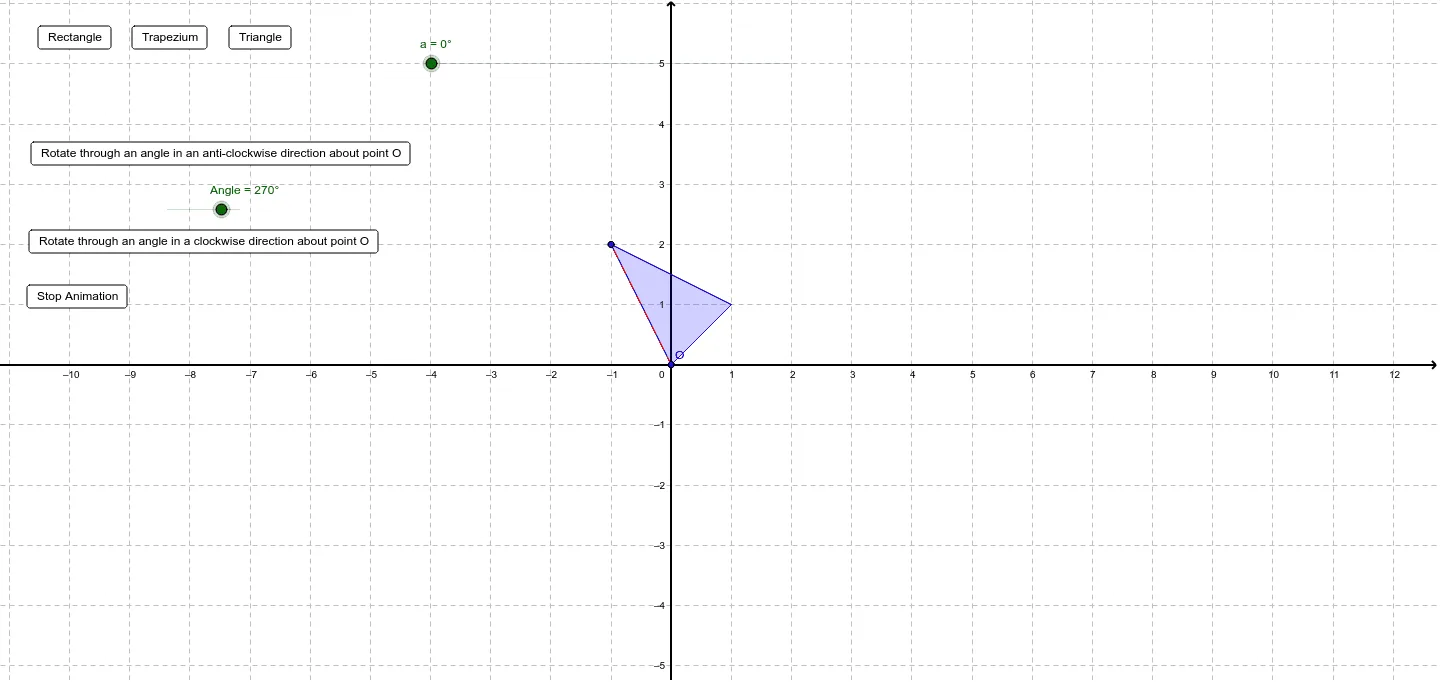
① This example demonstrates how to rotate a polygon around a given point using a rotation transformation, showing the relationship between the original and rotated shapes dynamically. ② The core mathematical concepts include rotation transformations, angle measurement, arc calculation, coordinate geometry transformations, and related geometric properties. ③ The construction uses commands such as Polygon, Rotate, Segment, and Arc, creating the original polygon poly1 and the rotated polygon poly2, with interactive buttons and angle sliders for control. ④ It is suitable for high school geometry and mathematical modeling courses, and can also serve as an auxiliary tool for middle school geometry intuition teaching.
GeoGebra Commands & Parameters
Polygon(A, B, C) → poly1, b, c, dRotate(A, a, O) → A'Rotate(B, a, O) → B'Rotate(C, a, O) → C'Rotate(D, a, O) → D'Polygon(Rotate[A, a, O], Rotate[B, a, O], Rotate[C, a, O]) → poly2, e, f, gSegment(O, A) → a2Segment(O, A') → a3Segment(O, C) → c2Segment(O, C') → c3Arc(Circle[O, A], A, A') → a1Arc(Circle[O, C], C, C') → c1