
Rotation Transformation Demo by Aaron Burgoa
Loading the math board and drawing, please wait…
In collections
Basic Rectangle Rotations
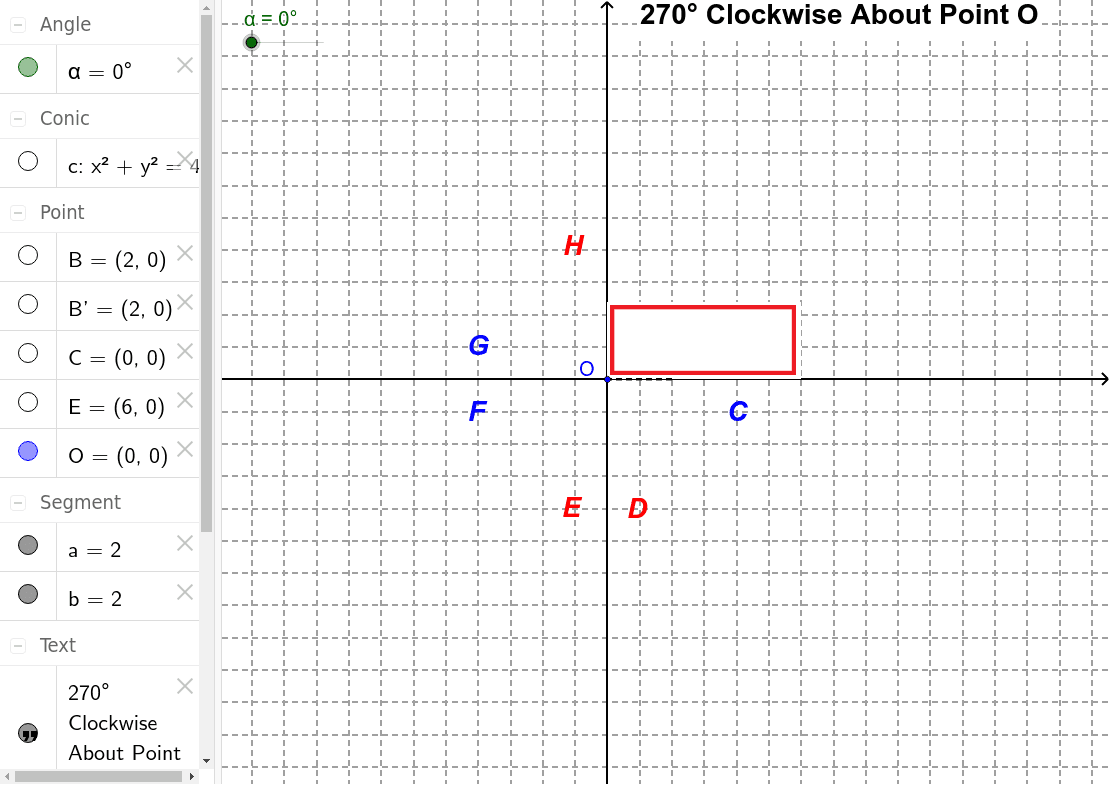
This example demonstrates the dynamic process of rotating points, line segments, and triangles around a fixed center. It involves core mathematical concepts such as rotation, trigonometry, circles, and segment length calculations. GeoGebra commands like Intersect, Segment, Circle, and Rotate are used, along with objects like B, α, C, a, c, B', b, O, E. Suitable for high school geometry and trigonometry applications.
GeoGebra Commands & Parameters
Intersect(xAxis, yAxis) → CSegment(B, C) → aCircle(C, B) → cRotate(B, (-α), C) → B'Segment(B', C) → bRotate(pic2, (-α), C) → pic2'
AI Drawing Prompt Reference
Draw a dynamic rotation demonstration showing points, line segments, and triangles rotating around a fixed center. Include coordinate axes with an origin, a point B starting from the origin, and a point C. Draw a circle centered at C with radius B. Connect B and C to form line segment a. Rotate point B around C counterclockwise by angle α to get B', then connect B' and C to form line segment b. Finally, rotate the shape containing B, B', and C around C counterclockwise by angle α.
The prompt above was compiled from the original drawing commands and is for reference only.