
Rotation Logo XVII (Disk to Regular Polygon)
Loading the math board and drawing, please wait…
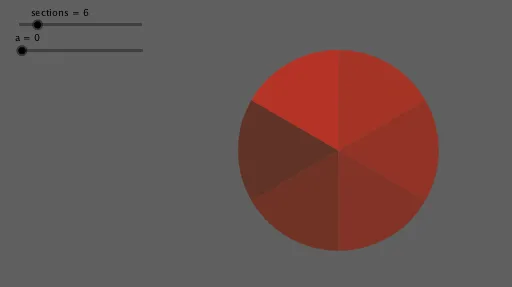
This example demonstrates how to generate a regular polygon logo by rotating a disk. Key mathematical concepts include rotation, geometric construction, and transformation. It uses commands such as Intersect, Circle, Sequence, CircleSector, and Translate. Suitable for high school mathematics education and learning.
GeoGebra Commands & Parameters
Intersect(xAxis, yAxis) → ACircle(A, radio) → cSequence(Rotate[B, ((i * 360) * ° / sections)], i, 0, sections) → L_1Sequence(Dilate[Element[L_1, i], 1 - a, A], i, 1, sections) → L_2Sequence(Vector[Element[L_1, i], Element[L_2, i]], i, 1, sections) → L_3CircleSector(A, B, Element[L_1, 2]) → aaSequence(Rotate[aa, ((i * 360) * ° / sections)], i, 1, sections) → L_4Sequence(Translate[Element[L_4, i], Vector[Element[L_3, i + 1]]], i, 1, sections - 1) → L_5Translate(Element[L_4, sections], Vector[Element[L_3, 1]]) → dTranslate(Element[L_4, 1], Vector[Element[L_3, 2]]) → arco1Translate(Element[L_4, 2], Vector[Element[L_3, 3]]) → arco2Translate(Element[L_4, 3], Vector[Element[L_3, 4]]) → arco3Translate(Element[L_4, 4], Vector[Element[L_3, 5]]) → arco4Translate(Element[L_4, 5], Vector[Element[L_3, 6]]) → arco5Translate(Element[L_4, 6], Vector[Element[L_3, 1]]) → arco6