
Roots of Negative Unity
Loading the math board and drawing, please wait…
In collections
Complex Numbers as Vectors
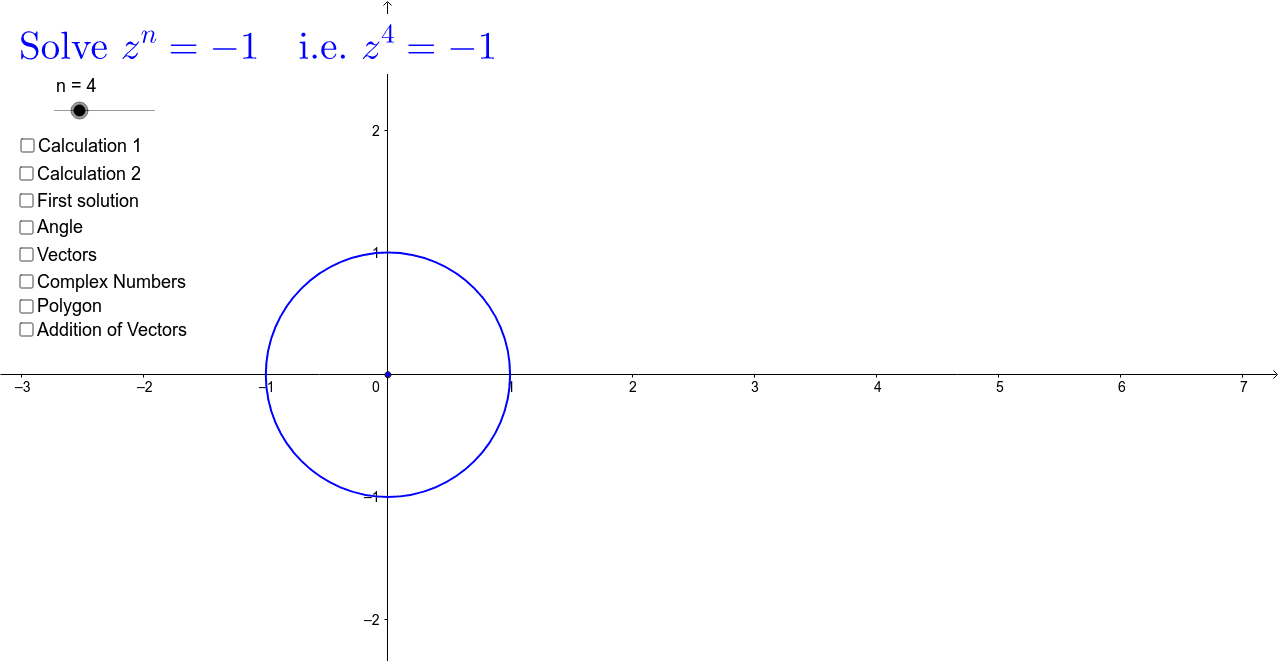
This example demonstrates the roots of -1 and their vector representations. Key mathematical concepts include complex numbers, vectors, and root solving. Construction involves GeoGebra commands such as Circle, Vector, Point, Translate, etc. Suitable for high school or university mathematics courses to understand complex number geometry and vector operations.
GeoGebra Commands & Parameters
Circle(O, Z_{11}) → kVector(O, Z_{11}) → uPoint(u) → FTranslate(O, u) → O'Mod(4, 2) → i_1Intersect(k, Circle[Z_0, (2 * sin((180 * ° / n)))]) → Z_1, A_2, ,Polygon(Z_0, Z_1, n) → poly1, a, j, Z_2, Z_3, Z_4, Z_5, Z_6, Z_7, Z_8, Z_9, b, c, d, e, f, g, h, iVector(F, Z_1) → vVector(F, Z_2) → wVector(F, Z_3) → pVector(F, Z_4) → qVector(F, Z_5) → rVector(F, Z_6) → sVector(F, Z_7) → tVector(F, Z_8) → u_1Angle(Z_0, F, Z_1) → βAngularBisector(Z_1, O, Z_0) → a_1Intersect(c_1, a_1) → B_1, B_2Vector(O, Z_9) → v_1Segment(O, Z_1) → d_1Vector(O, Z_0) → z_0Translate(Z_0, v) → C_1Vector(Z_0, C_1) → z_1Translate(C_1, w) → C_2Vector(C_1, C_2) → z_2Translate(C_2, p) → C_3Vector(C_2, C_3) → z_3Translate(C_3, q) → C_4Vector(C_3, C_4) → z_4Translate(C_4, r) → C_5Vector(C_4, C_5) → z_5Translate(C_5, s) → C_6Vector(C_5, C_6) → z_6Translate(C_6, t) → C_7Vector(C_6, C_7) → z_7Translate(C_7, u_1) → C_8Vector(C_7, C_8) → z_8Translate(C_8, v_1) → C_9Vector(C_8, C_9) → z_9
AI Drawing Prompt Reference
This is a geometric figure showing the roots of -1. The figure includes a circle, a vector, a point, and multiple points generated through translation and vector operations. It shows the relationships between these elements, such as angles and vector connections. The construction order starts from the circle, then uses vectors and points to build the figure, and finally generates other points through translation and vector operations.
The prompt above was compiled from the original drawing commands and is for reference only.