
Roll an Ellipse
Loading the math board and drawing, please wait…
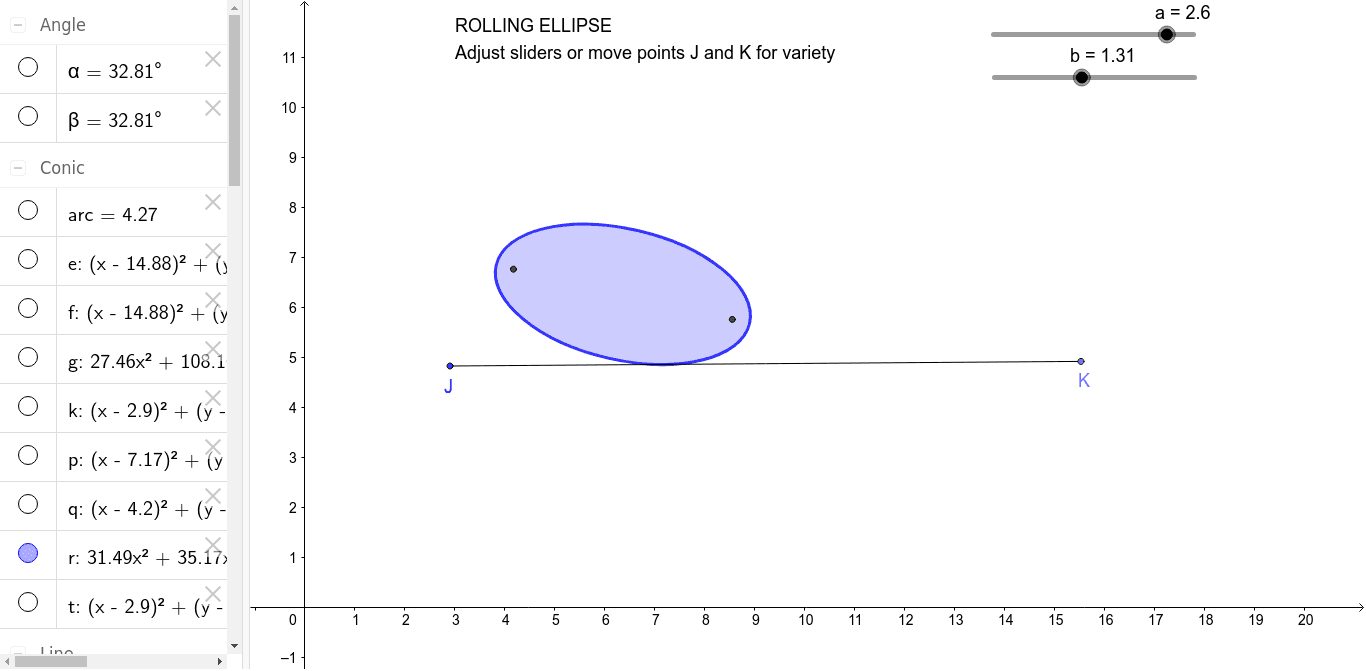
This example demonstrates the path traced by a point on an ellipse as it rolls along a straight line. It involves core mathematical concepts such as ellipse, perimeter, congruence, bar chart, boxplot, and combinatorics. The construction utilizes GeoGebra commands and objects like Point, Segment, Midpoint, OrthogonalLine, Circle, Center, Intersect, Ellipse, Arc, Tangent, Angle, Rotate, Ray, Mirror. It is suitable for high school students studying analytical geometry and geometric transformations.
GeoGebra Commands & Parameters
Point(Circle[A, (2 * a)]) → BSegment(A, B) → cMidpoint(A, B) → COrthogonalLine(C, c) → dCircle(C, b) → eCenter(e) → DIntersect(e, d) → E, FCircle(F, Segment[A, C]) → fIntersect(f, c) → G, HEllipse(G, H, F) → gPoint(g) → IArc(g, A, I) → arcPoint(Circle[J, Circumference[g]]) → KSegment(J, K) → hCircle(J, arc) → kIntersect(k, h, 1) → LSegment(J, L) → iSegment(G, I) → jTangent(I, g) → l,Point(l) → MAngle(G, I, M) → αRotate(J, (-α), L) → J'Angle(J', L, J) → βRay(L, J') → mCircle(L, Segment[G, I]) → pIntersect(p, m, 1) → NMirror(N, h) → N'Ray(N', L) → nCircle(N', (2 * a)) → qIntersect(q, n, 1) → OEllipse(N, O, L) → rCircle(J, Segment[A, B]) → t