
Rhombus Template with Investigation Questions (G.GCO.10)
Loading the math board and drawing, please wait…
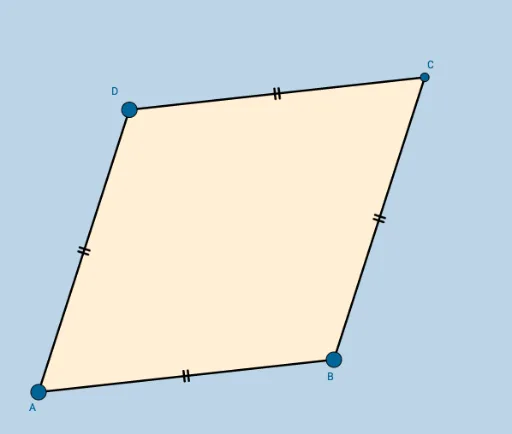
This interactive GeoGebra template demonstrates a rhombus (a special parallelogram) with embedded investigation questions, designed as a discovery lab for exploring its properties. Core mathematical concepts include rhombus characteristics such as perpendicular bisecting diagonals, symmetry, the orthocenter, and extensions into sequences and patterns. Construction details: using GeoGebra commands Circle, Point, Intersect, Segment, and Polygon, the template builds objects labeled A, B, c, D, d, e, C, a, b, f, g, poly1, and auxiliary elements a_1, b_1, c_1, d_1, forming the complete rhombus and its internal structure. Suitable for middle or high school geometry classes, students can drag vertices to observe dynamic changes and answer guided questions, fostering reasoning and geometric visualization skills.
GeoGebra Commands & Parameters
Circle(A, B) → cPoint(c) → DCircle(B, A) → dCircle(D, A) → eIntersect(d, e, 2) → CSegment(A, B) → aSegment(B, C) → bSegment(C, D) → fSegment(D, A) → gPolygon(A, B, C, D) → poly1, a_1, b_1, c_1, d_1
AI Drawing Prompt Reference
Draw a rhombus by first constructing a base segment, then drawing circles centered at each endpoint with the other endpoint as radius. The intersection of these circles gives the third vertex. From that vertex, draw another circle intersecting the previous one to locate the fourth vertex. Connect all four vertices to form the rhombus. Include the internal diagonals and auxiliary circular arcs that reveal symmetry and perpendicular bisecting properties. The shape should be draggable to explore dynamic changes.
The prompt above was compiled from the original drawing commands and is for reference only.