
Revolution Surfaces
Loading the math board and drawing, please wait…
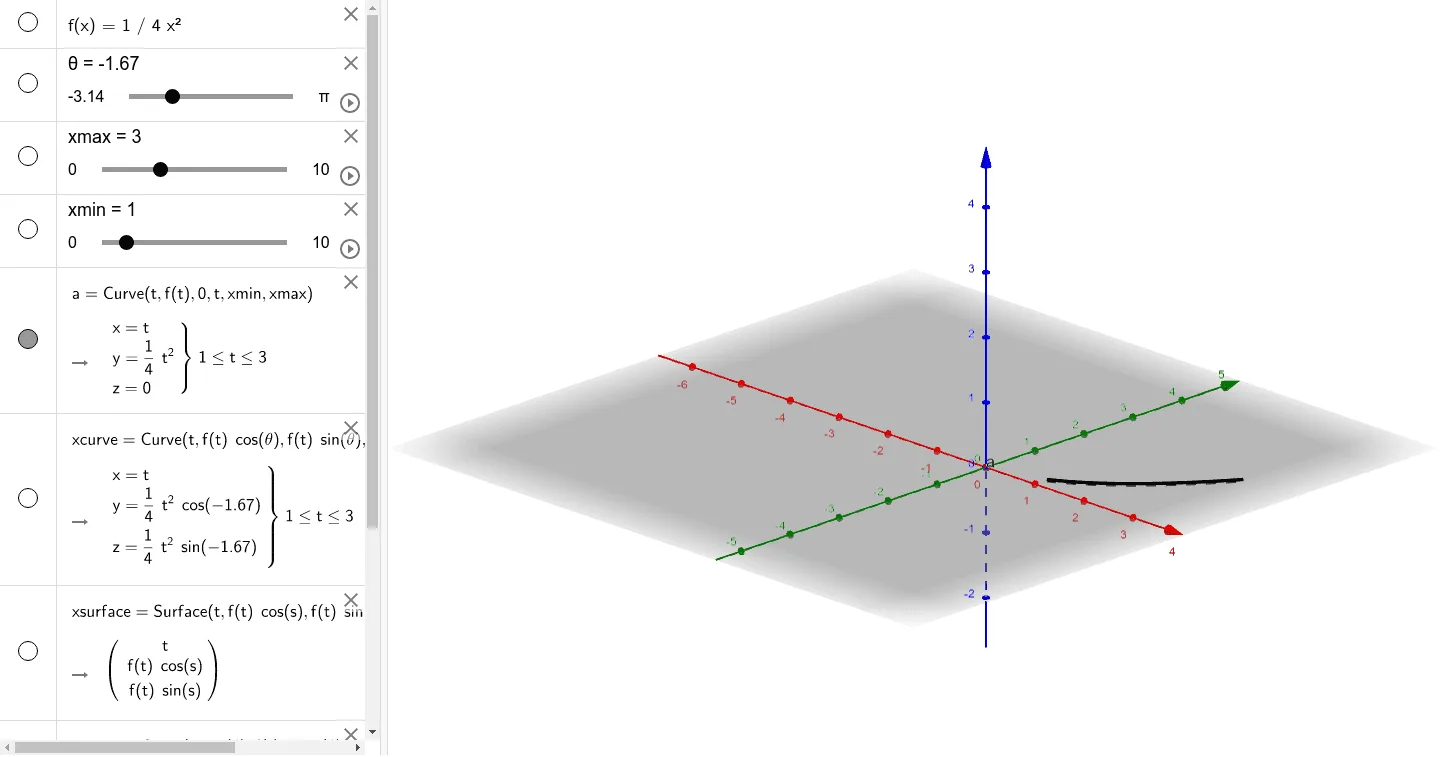
This example demonstrates how to generate 3D surfaces by revolving curves. Key math concepts include revolution surfaces, reflection, exponential functions, multiplication, integers, and tangent lines. It uses GeoGebra commands like Cartesian Curve and Surface, defining parameters f, θ, xmax, xmin, a, and creating objects like xcurve, ycurve, xsurface, and ysurface. Suitable for high school and above students to explore the principles of surface generation and calculus applications.
GeoGebra Commands & Parameters
CurveCartesian(t, f(t), 0, t, xmin, xmax) → aCurveCartesian(t, (f(t) * cos(θ)), (f(t) * sin(θ)), t, xmin, xmax) → xcurveSurface(t, (f(t) * cos(s)), (f(t) * sin(s)), t, xmin, xmax, s, 0, (2 * π)) → xsurfaceCurveCartesian((t * cos(θ)), f(t), (t * sin(θ)), t, xmin, xmax) → ycurveSurface((t * cos(s)), f(t), (t * sin(s)), t, xmin, xmax, s, 0, (2 * π)) → ysurface
AI Drawing Prompt Reference
Draw a 3D surface generated by revolving a curve. First, plot a 2D curve, then rotate it around the y-axis to form a surface. Next, plot another 2D curve and rotate it around the x-axis to form another surface. Set the function f(t) as an exponential function, with t ranging from -5 to 5, and θ from 0 to 2π.
The prompt above was compiled from the original drawing commands and is for reference only.