
Relationship between Circumference and Diameter
Loading the math board and drawing, please wait…
In collections
Kreiszahl PI
This example demonstrates the ratio of a circle's circumference to its diameter, focusing on the mathematical concept of Pi (π) and experimentally determining its approximate value. It is constructed using GeoGebra commands like SpeechBubbleLeft, Textfield, Circle, Line, Point, Segment, Vector, Remove, Polygon, etc., making it suitable for 7th-8th grade students to explore fundamental circle properties and the significance of Pi.
GeoGebra Commands & Parameters
SpeechBubbleLeft(PBubbleAnnaStart, 11, 2.8) → bubble1SpeechBubbleLeft(PBubbleAnna - (0, 0.3), 12.7, 2.3) → bubble2Textfield(input1) → InputBox1Textfield(input2) → InputBox2Textfield(input3) → InputBox3Circle(MittelpunktKreis, RandKreis) → cLine(MittelpunktKreis, RandKreis) → fPoint(c) → ASegment(A, RandKreis) → gVector(B, C) → uVector(D, E) → vSpeechBubbleLeft(PBubbleAnna, 13.5, 2) → bubble3SpeechBubbleLeft(PBubbleAnna, 9.3, 1.2) → bubble4SpeechBubbleLeft(PBubbleAnna, 11.4, 1.8) → bubble5Textfield(input4) → InputBox4Textfield(input5) → InputBox5Textfield(input6) → InputBox6Textfield(input7) → InputBox7Textfield(input8) → InputBox8Textfield(input9) → InputBox9Textfield(input10) → InputBox10Textfield(input11) → InputBox11Textfield(input12) → InputBox12SpeechBubbleLeft(PBubbleAnna, 11, 2) → bubble7Textfield(input13) → InputBox13Textfield(input14) → InputBox14Textfield(input15) → InputBox15Textfield(input16) → InputBox16Textfield(input17) → InputBox17Remove(verhaeltnisse, {input13}) → l1Remove(l1, {input14}) → l2Remove(l2, {input15}) → l3Remove(l3, {input16}) → l4SpeechBubbleLeft(PBubbleAnna, 13.7, 1.2) → bubble8SpeechBubbleLeft(PAnnaBubbleEnde, 8.2, 1.3) → bubble9SpeechBubbleLeft(PBubbleAnnaStart, 10.5, 2.5) → bubble15Polygon(Box1_1, Box1_2, Box1_4, Box1_3) → box1, f_1, g_1, h, iPolygon(Box2_1, Box2_2, Box2_3, Box2_4) → box2, f_{2}, g_{2}, h_{1}, i_{1}Polygon(Box3_1, Box3_2, Box3_3, Box3_4) → box3, f_{3}, g_{3}, h_{2}, i_{2}Polygon(Box4_1, Box4_2, Box4_3, Box4_4) → box4, f_{4}, g_{4}, h_{3}, i_{3}
AI Drawing Prompt Reference
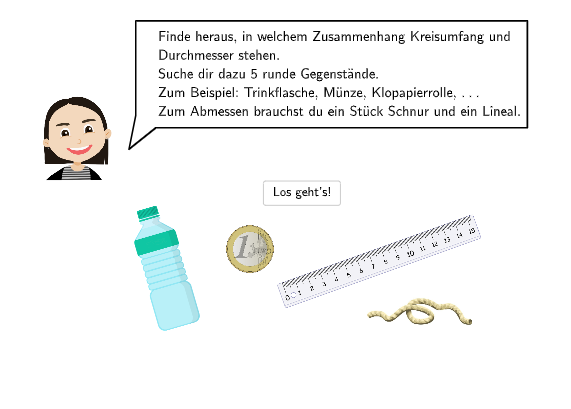
Draw a circle with its center and a point on the circumference, connecting them with a radius segment. Place another point on the circle and connect it to the first point with a chord. Add several input boxes nearby for entering the circumference, diameter, and their ratio. Use speech bubbles to guide observation, suggesting measuring circumference and diameter to estimate pi. Include arrows to indicate measurement directions and polygons to frame input areas, creating an experimental layout for exploring the relationship between a circle's circumference and diameter.
The prompt above was compiled from the original drawing commands and is for reference only.