
Regular Polygon Area Calculator
Loading the math board and drawing, please wait…
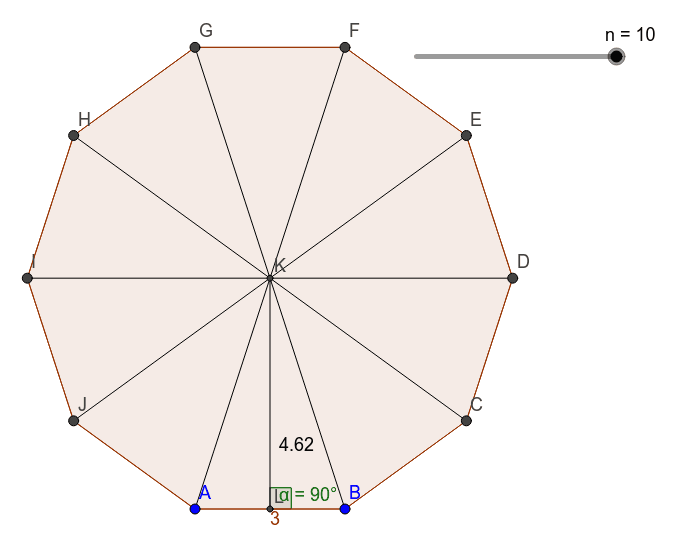
This example demonstrates how to calculate the area of a regular polygon using GeoGebra. Key mathematical concepts include polygons, angles, and vectors. By using commands like Polygon, Circle, Angle, etc., as listed in the construction summary, one can construct a regular polygon and calculate its area. Suitable for middle school and above students or teachers.
GeoGebra Commands & Parameters
Polygon(A, B, n) → daudz1, f, q, C, D, E, F, G, H, I, J, g, h, i, j, k, l, m, pCircle(C, A, B) → cCenter(c) → KSegment(G, K) → rSegment(K, F) → sSegment(K, E) → tSegment(K, D) → aSegment(K, C) → bSegment(K, B) → dSegment(K, A) → eSegment(K, J) → f_1Segment(K, I) → g_1Segment(K, H) → h_1Midpoint(f) → LSegment(K, L) → i_1Angle(B, L, K) → α