
Rectangles in the {Perimeter, Area} plane by Judah L Schwartz
Loading the math board and drawing, please wait…
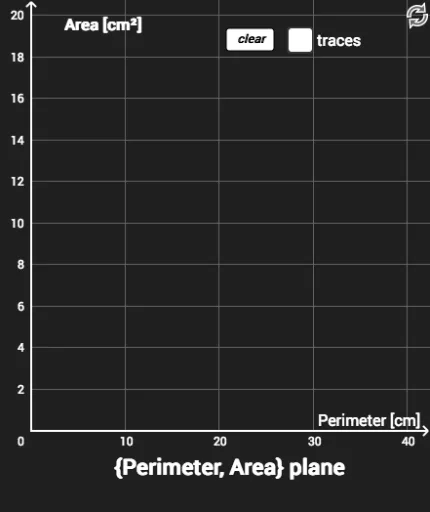
This example demonstrates drawing rectangles in the {Perimeter, Area} plane, involving core math concepts like perimeter, area, rectangle properties, and coordinate geometry. Construction highlights include using commands like Circle, Point, Line, Intersect, and Polygon. Suitable for high school students and teachers learning analytical geometry and geometric constructions.
GeoGebra Commands & Parameters
Circle(A, 0.5) → cPoint(c) → BLine(A, B) → fIntersect(f, xAxis) → ELine(A, B) → gPoint(g) → CPolygon(F, G, C, I) → poly1, f_1, g_1, c_1, iPoint(p) → KPolygon(F, L, K, M) → poly2, f_2, l, k, m
AI Drawing Prompt Reference
In a coordinate plane, start by drawing a small circle centered at the origin. Pick a point on the circle and connect it to the origin with a line, then find where this line meets the horizontal axis. Next, choose another point on the same lineholine and form a rectangle using the origin, the axis intersection, this new point, and one additional point. After that, select another point in the plane and construct a second rectangle with the origin, that point, and two new points. The final figure shows two rectangles positioned in the perimeter-area plane, illustrating their geometric relationships.
The prompt above was compiled from the original drawing commands and is for reference only.