
Rectangle Perimeter Investigation
Loading the math board and drawing, please wait…
In collections
Rectangle: Fixed Perimeter
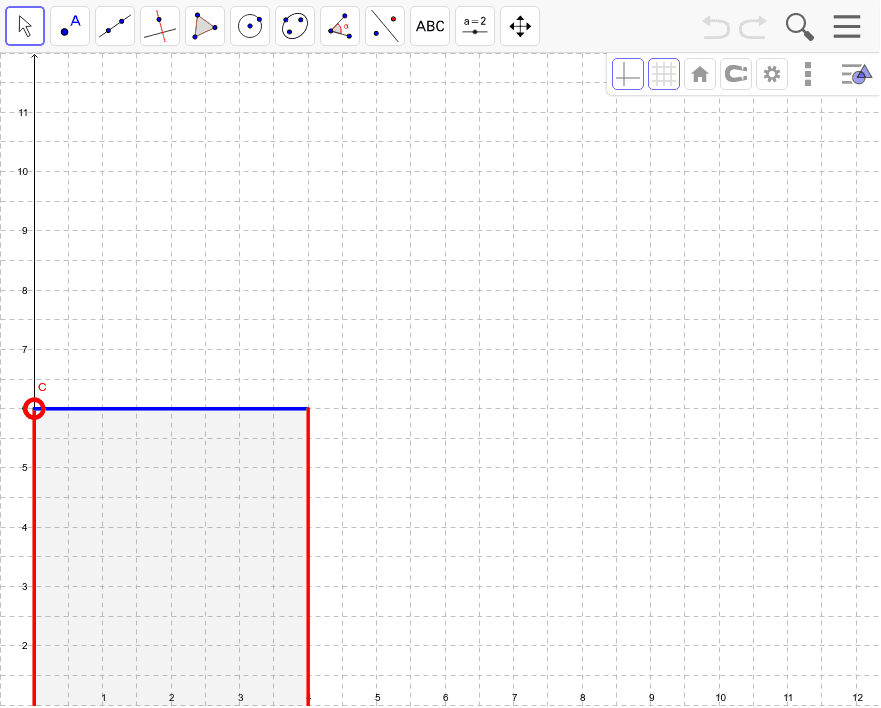
This example demonstrates how to dynamically calculate the perimeter of a rectangle by adjusting its dimensions. Core math concepts include perimeter calculation, rectangle geometry, and coordinate geometry applications. Constructed using GeoGebra commands like Ray, Point, Polygon, Perimeter, PointIn. Suitable for middle school and above students to understand geometric properties and calculation methods.
GeoGebra Commands & Parameters
Ray(A, (1, 0)) → aPoint(a) → BRay(A, (0, 1)) → bPoint(b) → CPolygon(A, C, D, B) → poly1, a_1, c, d, b_1Perimeter(poly1) → perimeterpoly1PointIn(poly1) → Pointpoly1
AI Drawing Prompt Reference
Draw a rectangle and dynamically display its perimeter. Start by creating two rays extending right and upward, then place two points on these rays. Form a rectangle using these two points and two other vertices, calculate the perimeter of the rectangle, and finally place a point inside the rectangle to show dynamic effects.
The prompt above was compiled from the original drawing commands and is for reference only.