
Rectangle 224
Loading the math board and drawing, please wait…
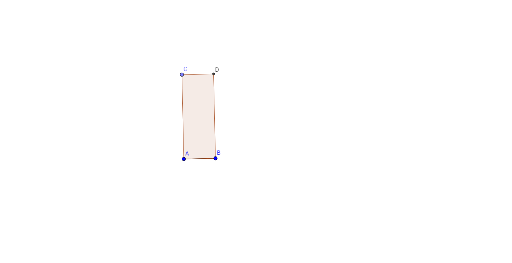
This example demonstrates the construction of a rectangle and its related geometric properties. It involves core mathematical concepts such as logic, special points, tangent functions, polynomial functions, and perimeter calculation. The construction uses commands and objects like Segment, OrthogonalLine, Point, Intersect, and Polygon. It is suitable for high school mathematics learning and geometric construction teaching.
GeoGebra Commands & Parameters
Segment(A, B) → fOrthogonalLine(A, f) → gOrthogonalLine(B, f) → hPoint(g) → COrthogonalLine(C, g) → iIntersect(h, i) → DPolygon(A, B, D, C) → poly1, a, b, d, c
AI Drawing Prompt Reference
Draw a rectangle by starting with a line segment, then draw perpendicular lines from both endpoints of the segment. Find the intersection point of these perpendicular lines, and connect the endpoints of the segment to this point to form the rectangle, labeling the relevant geometric properties.
The prompt above was compiled from the original drawing commands and is for reference only.