
Recording Values to the Spreadsheet in GeoGebra
Loading the math board and drawing, please wait…
In collections
学习 GeoGebra 经典应用
This example demonstrates how to record dynamic values of objects into the spreadsheet (data area) in GeoGebra in real time, creating an observable data list. The core mathematical concepts involve parametric curves, 3D vectors, equilateral triangles, Poisson distribution, and quadrilaterals, showcasing the integration of dynamic geometry with data statistics. Construction highlights: based on the summary, objects a and A are used, likely generated by sliders or point movements, and the 'Record to Spreadsheet' feature appends each changing value to the table. Suitable for middle school and above to learn GeoGebra's data recording functionality, and useful in math lab sessions for exploring variable trends, statistical distributions, or how geometric quantities change with parameters. The example focuses on the workflow rather than a single static figure, helping users master interactive data management in GeoGebra.
GeoGebra Commands & Parameters
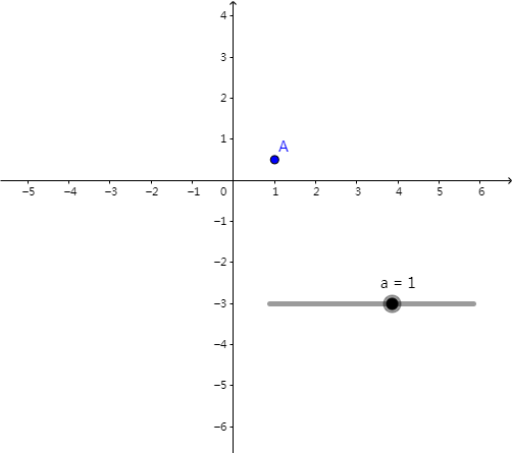
Numeric a(1)(a, (1 / 2 * a))
AI Drawing Prompt Reference
Create a dynamic chart where a is a adjustable value, and half of its value is recorded along with a in the spreadsheet. First, create an adjustable value a, then plot the point (a, 1/2*a). As a changes, the position of the point will change, and its coordinates will be recorded in the spreadsheet in real time.
The prompt above was compiled from the original drawing commands and is for reference only.