
Random Slope Line Drawing Practice
Loading the math board and drawing, please wait…
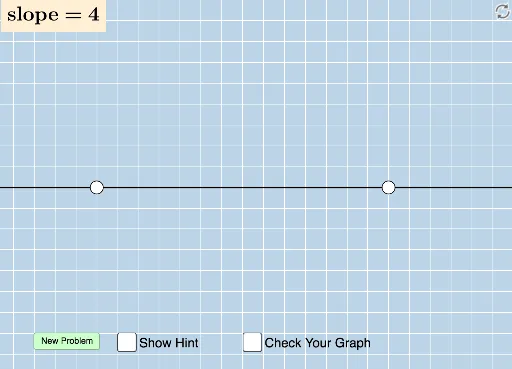
This GeoGebra applet generates random assessment questions for students to draw a line with a randomly generated slope on a blank grid, providing immediate correctness feedback. It demonstrates the concept of slope in linear functions, including the relationship between slope and the angle of inclination. The construction uses commands such as Sequence, Random, Line, FractionText, Intersect, Polygon, Vector, Angle, and Distance, along with interactive buttons and text objects to create dynamic exercises. Suitable for middle school to high school students learning linear functions and slope, this tool enhances understanding of how slope determines the steepness and direction of a line.
GeoGebra Commands & Parameters
Sequence(i, i, -10, -1) → aSequence(i, i, -10, -1) → bSequence(i, i, 1, 10) → cUnion(b, c) → dRandom(-12, 12) → eLine(A, B) → gFractionText(Slope[f]) → text1FractionText(f(0)) → text2Intersect(h, i) → CPolygon(A, C, B) → poly1, b_1, a_1, c_1Vector(A, C) → uVector(C, B) → vAngle(B, C, A) → αDistance(A, C) → distanceACDistance(C, B) → distanceCB