
Radical Equation Analyzer
Loading the math board and drawing, please wait…
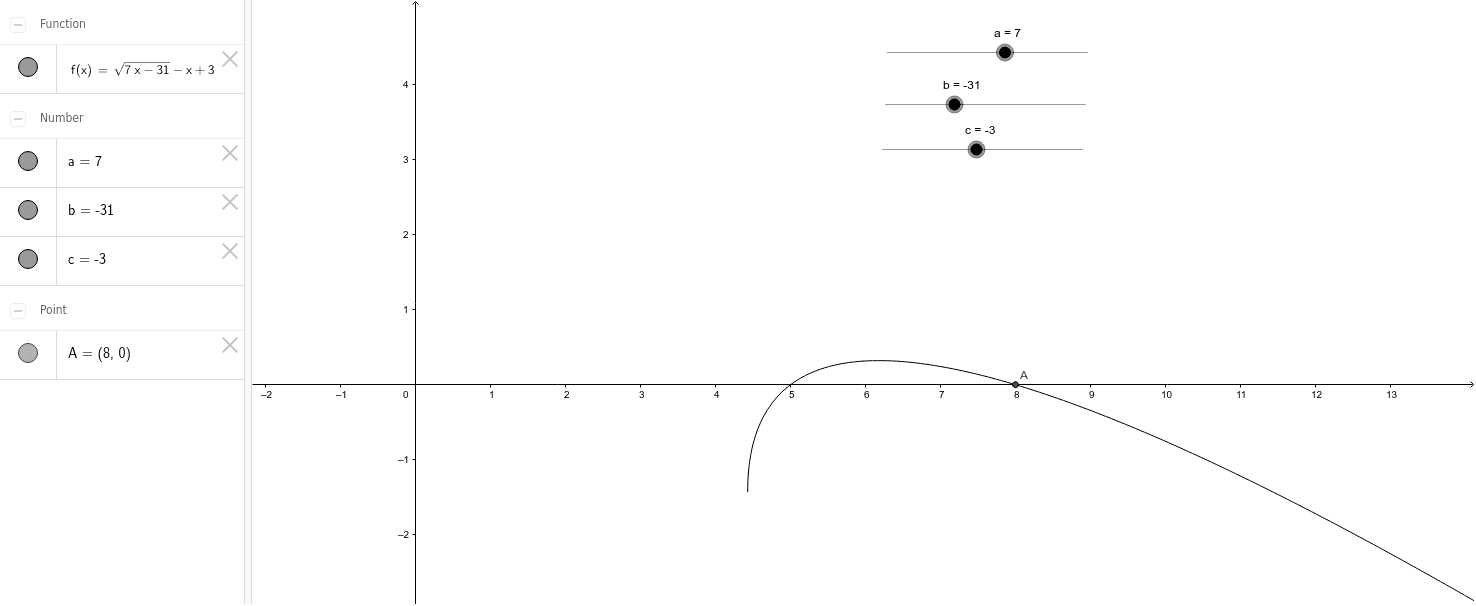
This example demonstrates how to dynamically analyze the solutions and graphical relationships of radical equations using GeoGebra. Core math concepts include equation solving, derivatives, matrix operations, quadrilateral properties, and rotational symmetry. Key construction elements involve the Intersect command and objects a, b, c, f, A. Suitable for high school mathematics teaching and function graph analysis, helping students understand the connection between equations and graphs.
GeoGebra Commands & Parameters
Intersect(f, xAxis, (7.999999999999999, 0)) → A
AI Drawing Prompt Reference
Draw a function graph and find its intersection with the x-axis at x=8, use this intersection point to construct a quadrilateral, analyze its geometric properties and rotational symmetry, while displaying the derivative and matrix operations results of the function to help students understand the relationship between equations and graphs.
The prompt above was compiled from the original drawing commands and is for reference only.