
Quiz on Multiplication Table: Exploring Multiplication Operations
Loading the math board and drawing, please wait…
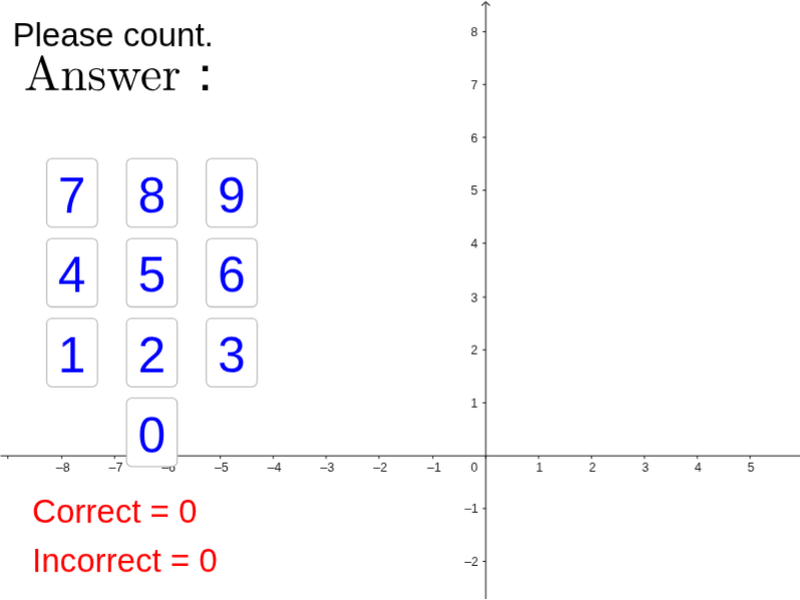
This example demonstrates multiplication table operations using GeoGebra, helping students understand multiplication concepts. Key mathematical concepts include multiplication, sequences, and geometric construction. Construction involves using commands like Random, Sequence, RandomElement, Zip, and Flatten to generate and process data. Suitable for elementary and middle school mathematics teaching to reinforce multiplication and graphical understanding.
GeoGebra Commands & Parameters
Random(1, 9) → nRandom(1, 9) → mSequence(Sequence[(i, j), i, 1, m], j, 1, n) → list1Random(1, 2) → qRandomElement({pic1, pic2, pic3, pic4, pic5, pic6, pic7, pic8, pic9, pic10, pic11, pic12, pic13, pic14, pic15, pic16, pic17, pic18, pic19, pic20}) → picFlatten(list1) → list2Zip(Translate[pic, Vector[(0, 0), k]], k, list2) → list3
AI Drawing Prompt Reference
Create a rectangular grid of dots with random row and column counts. Randomly choose one icon from a set of twenty distinct symbols)Skip, then place a copy of that icon at every grid intersection point, so each dot position holds the same symbol. The result is a neatly arranged array of repeated icons whose grid dimensions vary randomly, visually representing the product of rows and columns in a multiplication table.
The prompt above was compiled from the original drawing commands and is for reference only.