
Quadratic Functions - Convert Standard to Vertex Form
Loading the math board and drawing, please wait…
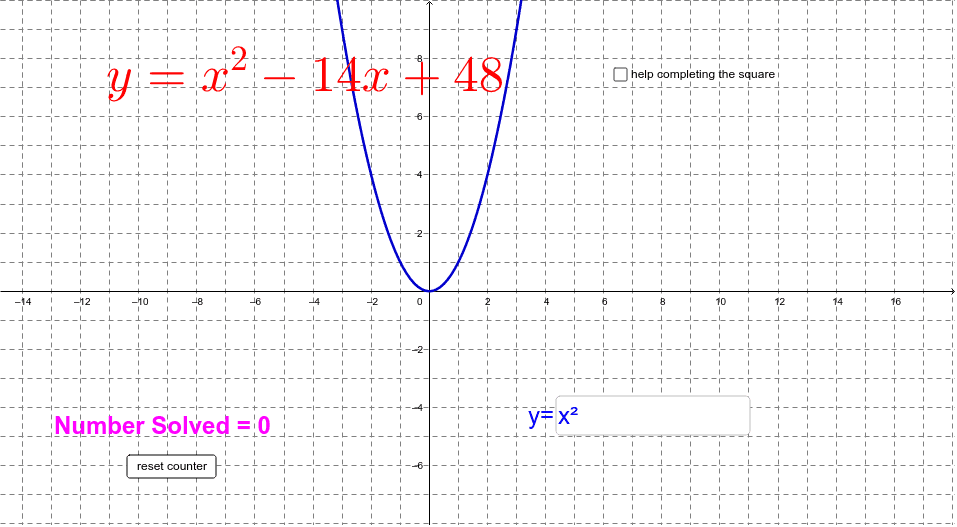
This example demonstrates how to convert a quadratic function from standard form to vertex form to graph it. Key mathematical concepts include the properties of quadratic functions and the significance of the vertex form. GeoGebra commands used include Random, RandomElement, and Textfield. Suitable for middle school and above students to learn about the graphical transformation of quadratic functions.
GeoGebra Commands & Parameters
Random(1, 10) → aRandomElement({-7, -6, -5, -4, -3, -2, -1, 1, 2, 3, 4, 5, 6, 7}) → bRandomElement({1, 1}) → dRandomElement({-1, 1}) → eTextfield(h) → inputBox1Textfield(k) → inputBox2Textfield(g) → inputBox3RandomElement({1, 2, 3, 4, 5}) → rr
AI Drawing Prompt Reference
Draw a graph of a quadratic function that is converted from standard form to vertex form. Start by randomly generating a leading coefficient (an integer between 1 and 10), a linear coefficient chosen from non-zero integers, a constant term of 1, and randomly decide the direction of the parabola's opening. Then, create three input boxes on the coordinate plane for entering the x-coordinate, y-coordinate of the vertex, and a scaling parameter. Based on these inputs, plot the corresponding parabola and display its vertex. The graph should include coordinate axes, the parabola, and three interactive input boxes so users can adjust parameters and observe changes in the graph.
The prompt above was compiled from the original drawing commands and is for reference only.