
Pythagorean Theorem - Finding a Missing Side (Slider Interactive)
Loading the math board and drawing, please wait…
In collections
Pythagoras
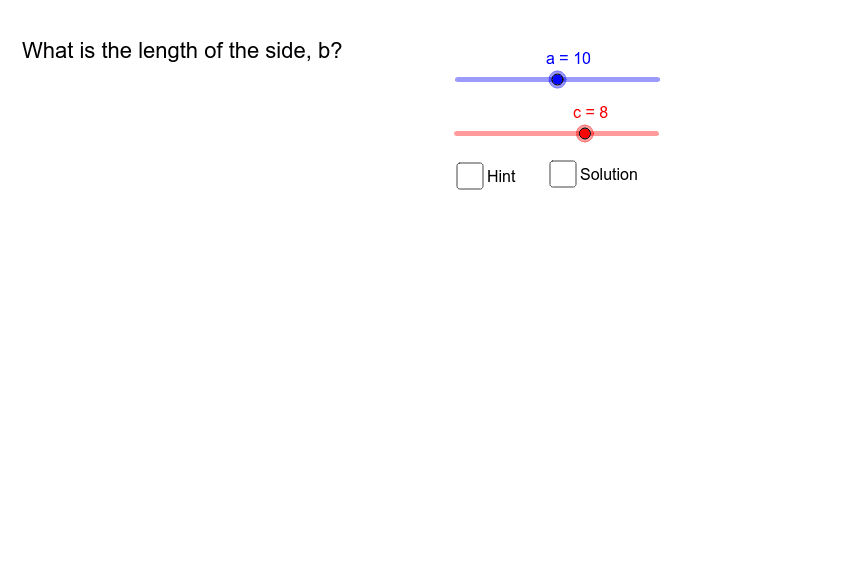
This GeoGebra example demonstrates how to find the missing leg of a right triangle when one leg and the hypotenuse are known, using interactive sliders and checkboxes. The core mathematical concept is the Pythagorean theorem (a² + b² = c²) and its algebraic rearrangement for solving unknown sides. Construction details: the applet uses GeoGebra commands such as Circle, Point, Line, OrthogonalLine, Intersect, and Segment to build the right triangle, with sliders controlling the given side lengths and checkboxes revealing the step-by-step solution. It is suitable for middle school or high school geometry lessons, allowing students to explore the theorem dynamically and understand the relationship between the sides of a right triangle.
GeoGebra Commands & Parameters
Circle(A_1, a) → c_2Point(c_2) → ACircle(A, c) → gPoint(g) → C_1Line(A, C_1) → bOrthogonalLine(A, b) → iIntersect(g, i, 1) → BCircle(B, a) → pIntersect(p, b, 2) → CSegment(C, B) → jSegment(B, A) → mSegment(A, C) → n
AI Drawing Prompt Reference
Draw a right triangle with one leg a and hypotenuse c, use sliders to adjust lengths, construct circles, lines, perpendicular lines, and find the other leg b, marking all sides.
The prompt above was compiled from the original drawing commands and is for reference only.