
Proportionality Picture
Loading the math board and drawing, please wait…
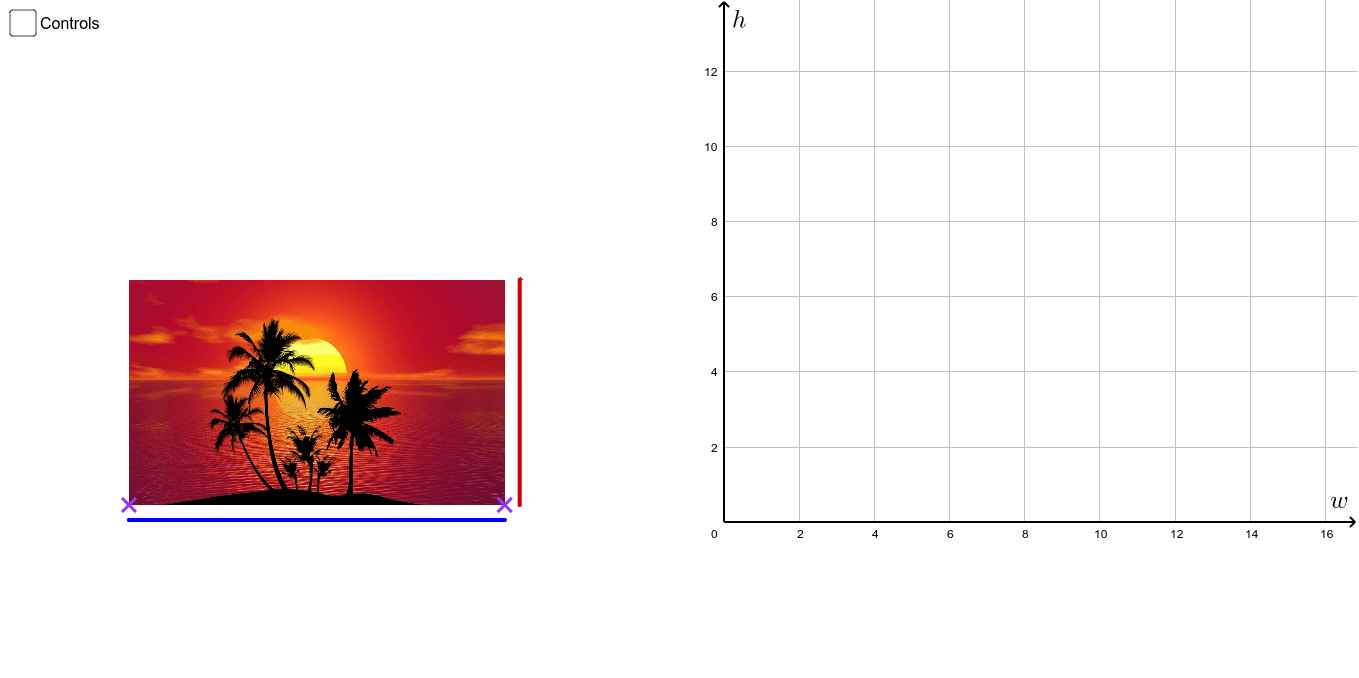
This example demonstrates the concept of proportional figures. Key mathematical concepts include proportion and similarity transformation. Using GeoGebra commands such as Point, Segment, Vector, etc., proportional figures can be constructed. Suitable for middle and high school students to learn about proportion and similarity transformation.
GeoGebra Commands & Parameters
Point(Ray[C, C + (1, 0)]) → PSegment(C + (0, (-gap)), C + (w, (-gap))) → wSegSegment(C + (w + gap, 0), C + (w + gap, h)) → hSegSegment((0, 0), (w, 0)) → wSegGraphSegment((0, 0), (0, h)) → hSegGraphSegment((w, 0), (w, h)) → vBoxSegSegment((0, h), (w, h)) → hBoxSegRay((0, 0), (W, H)) → GraphPoint(Graph) → dP_iPoint(Graph) → dP_fVector(dP_i, (x(dP_f), y(dP_i))) → dxVecVector((x(dP_f), y(dP_i)), dP_f) → dyVec
AI Drawing Prompt Reference
Draw a picture demonstrating proportional figures with a rectangle and two similar triangles, using a ray and vectors to show similarity transformation. Start by drawing the edges and vertices of the rectangle, then plot a ray and two points on it, and finally connect these points with vectors to illustrate similarity and proportionality.
The prompt above was compiled from the original drawing commands and is for reference only.