
Proportion Practice: Solve for x
Loading the math board and drawing, please wait…
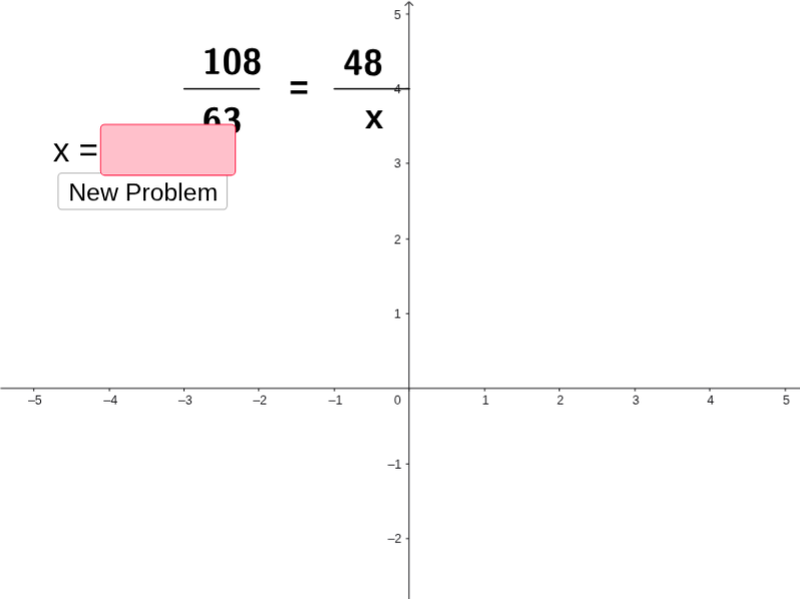
① This interactive GeoGebra example demonstrates a proportion practice tool where students solve for the unknown x in randomly generated proportional equations. ② The core mathematical concepts are proportions and linear equations, emphasizing cross-multiplication to find the unknown value. ③ Construction highlights: The applet uses GeoGebra commands such as Segment, Element, If, and Textfield, along with random seeds (seed_1, seed_2) and multipliers (multiplier_1, multiplier_2) to generate problems. Text objects (text1 through text17) display the problem and feedback, a button (button1) triggers new problems, and input fields (InputIsCorrect, InputIsWrong) with an answer list (ListOfAnswers) enable automatic checking. ④ This is suitable for middle school mathematics, ideal for classroom practice, homework, or self-study to reinforce proportional reasoning and equation solving skills.
GeoGebra Commands & Parameters
Segment(A, B) → aSegment(C, D) → bElement(ListOfAnswers, randomchooser) → CorrectAnswerIf(Ans ≟ CorrectAnswer, InputIsCorrect ≟ 1, InputIsCorrect ≟ 0) → cTextfield(TextEntered) → inputBox1
AI Drawing Prompt Reference
Create an interactive math practice interface for solving proportions. Display a randomly generated proportion equation with an unknown variable x, shown as two fractions on either side of an equals sign. Below the equation, place a text input field where students can type their answer. Next to it, include a button that generates a new random proportion problem when clicked. The interface should also have a feedback area that shows whether the entered answer is correct or incorrect. Keep the layout clean and simple, suitable for middle school students, with a light background and clearly visible text and input boxes.
The prompt above was compiled from the original drawing commands and is for reference only.