
Properties of a Parallelogram (Dynamic Demonstration)
Loading the math board and drawing, please wait…
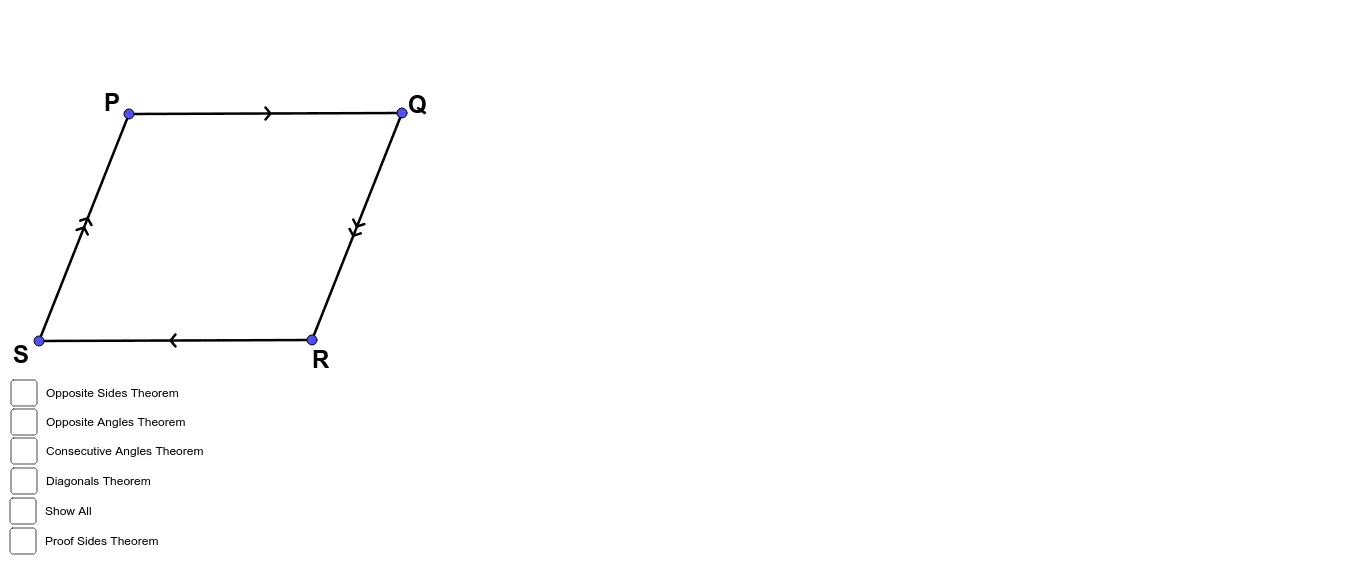
This example dynamically demonstrates the properties of a parallelogram, such as equal opposite sides and angles. It uses GeoGebra commands like Segment, Line, Intersect to construct and verify the properties of a parallelogram. Suitable for middle school and above students learning geometry.
GeoGebra Commands & Parameters
Segment(A, B) → fSegment(A, C) → gLine(C, f) → hLine(B, g) → iIntersect(h, i) → DIntersect(h, i) → ESegment(C, E) → jSegment(B, E) → kAngle(C, A, B) → αAngle(A, B, E) → βAngle(B, E, C) → γAngle(E, C, A) → δSegment(A, B) → lSegment(B, E) → mSegment(E, C) → nSegment(C, A) → pSegment(A, E) → qSegment(C, B) → rMidpoint(r) → FMidpoint(q) → GSegment(C, G) → sSegment(G, B) → tSegment(A, G) → f_1Segment(G, E) → g_1Circle(H, j) → c_1Line(H, j) → h_1Line(H, g) → i_1Circle(H, g) → d_1Intersect(d_1, i_1) → I, JIntersect(c_1, h_1) → K, LSegment(H, I) → j_1Segment(I, L) → k_1Segment(H, L) → l_1Circle(I, l_1) → e_1Line(I, l_1) → m_1Intersect(e_1, m_1, 2) → MSegment(L, M) → n_1Segment(I, M) → p_1Segment(I, M) → q_1Segment(M, L) → r_1Segment(L, H) → s_1Segment(H, I) → t_1Angle(M, I, L) → κAngle(H, L, I) → λSegment(I, L) → b_1Angle(H, I, L) → μAngle(M, L, I) → νSegment(L, H) → f_2Segment(H, I) → g_2Segment(I, M) → h_2Segment(M, L) → i_2Segment(N, O) → j_2Line(P, j_2) → k_2Point(k_2) → QSegment(P, Q) → l_2Segment(R, S) → m_2
AI Drawing Prompt Reference
Draw a parallelogram to demonstrate its properties, such as equal opposite sides and angles. Start by drawing two parallel lines and finding their intersection point. Connect these points to form the parallelogram. Measure and label the lengths and angles of opposite sides and angles to verify their equality. Finally, mark the midpoints of the diagonals and show that they bisect each other.
The prompt above was compiled from the original drawing commands and is for reference only.