
Projection and Scaling Practice
Loading the math board and drawing, please wait…
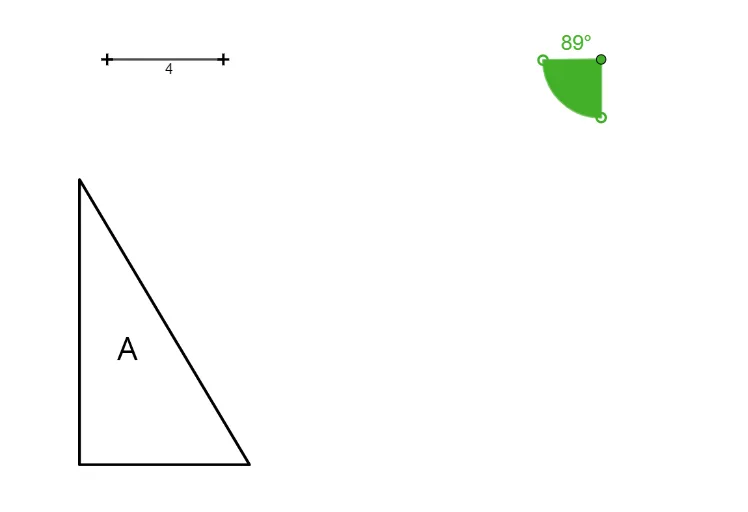
This example demonstrates how to perform projection and scaling in GeoGebra. Key mathematical concepts include geometric transformations and proportional relationships. Using commands like Point, Angle, Segment, and Text, users can visually understand the principles of projection and scaling. Suitable for middle and high school students for geometric construction practice.
GeoGebra Commands & Parameters
Point(Circle[G, 2]) → HPoint(Circle[G, 2]) → IAngle((2 * H) - G, G, (2 * I) - G) → αSegment(J, K) → fText(round(α)) → text1
AI Drawing Prompt Reference
Draw a circle with center G, then take two points H and I on the circle. Next, construct an angle α with G as the vertex and 2H-G and 2I-G as the sides. Finally, draw a line segment f between points J and K, and display the degree of angle α.
The prompt above was compiled from the original drawing commands and is for reference only.