
Product of Linear Functions: Exploring Parabola Opening Direction
Loading the math board and drawing, please wait…
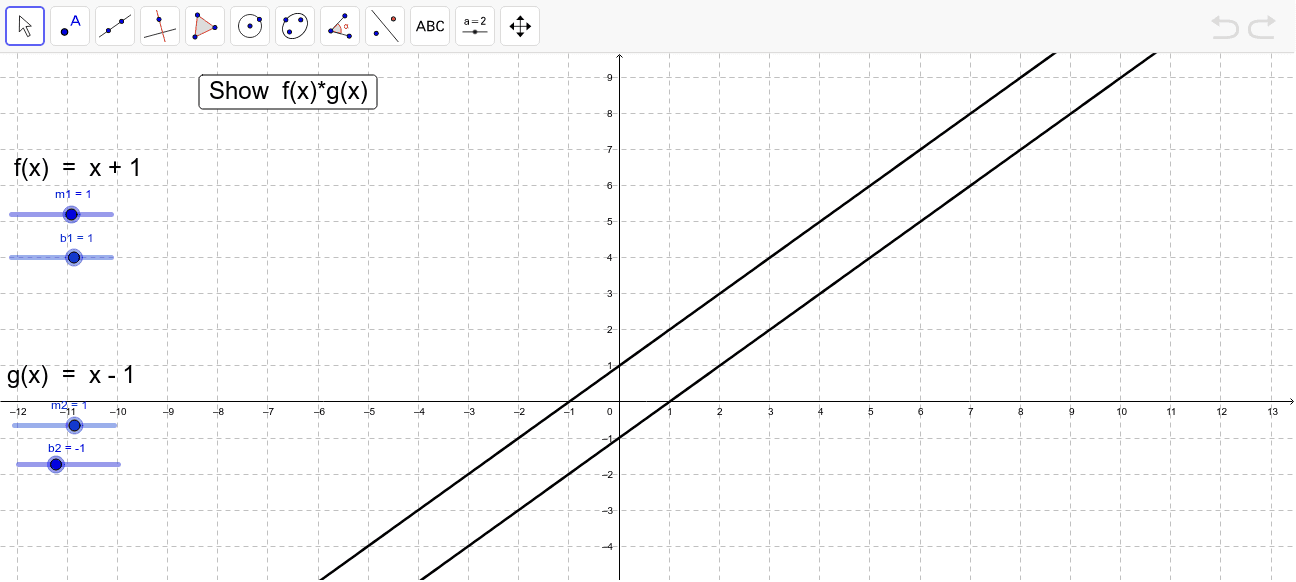
This GeoGebra example dynamically demonstrates how the product of two linear functions forms a quadratic function (parabola), and how adjusting the linear parameters changes the parabola's opening direction and shape. Core mathematical concepts include linear functions, quadratic functions, function multiplication, parabola concavity, zeros, axis of symmetry, and the relationship between the linear factors and the resulting curve. The construction uses sliders (var1) to control parameters, defines linear functions f and g with slopes (m1, m2) and intercepts (b1, b2), creates the product function h, and includes text objects (text1, text2) and a button (button1) for interactive exploration. Suitable for middle and high school students learning function transformations, quadratic properties, and dynamic geometry, this example helps visualize how linear factor products determine the parabola's opening direction and its intersections with the x-axis.
GeoGebra Commands & Parameters
Numeric m1(1.0)Numeric m2(1.0)Numeric b2(-1.0)Numeric b1(1.0)f(x) = (m1 * x) + b1g(x) = (m2 * x) + b2h(x) = (f(x) * g(x))Numeric var1(0.0)
AI Drawing Prompt Reference
Draw a parabola formed by multiplying two linear functions, with slopes of 1 for both functions and intercepts of 1 and -1 respectively. Adjust the parameters to observe changes in the parabola's opening direction and shape, and show the points where the parabola intersects the x-axis and the axis of symmetry.
The prompt above was compiled from the original drawing commands and is for reference only.