
Practice Writing Rational Functions
Loading the math board and drawing, please wait…
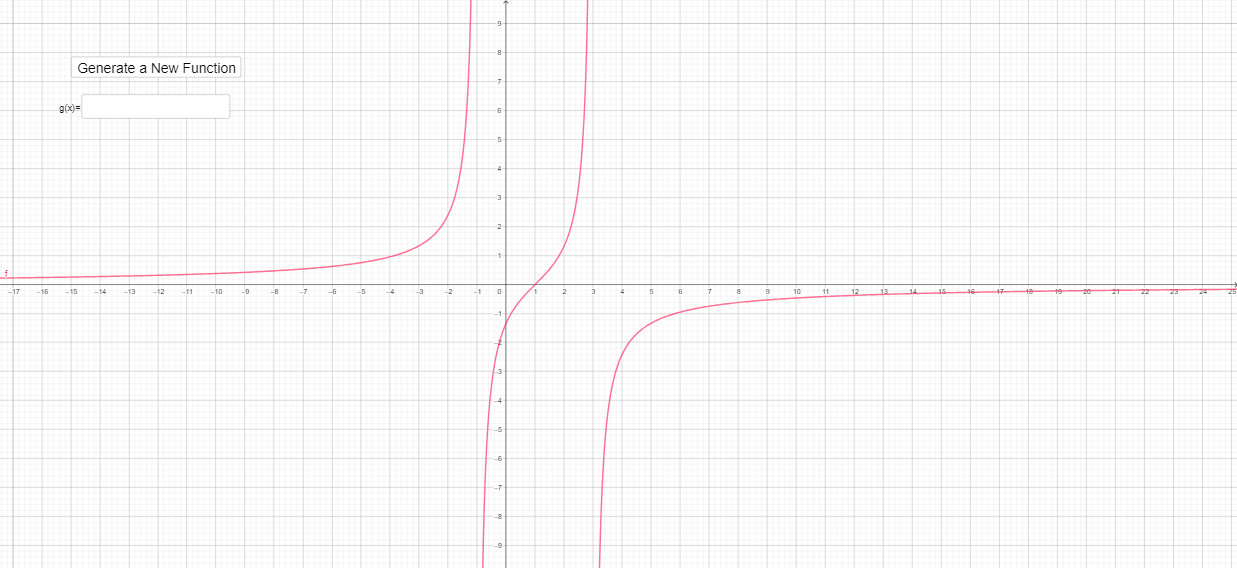
This example demonstrates how to draw and manipulate rational function graphs using GeoGebra. Core math concepts include function definition, graph transformation, and parameter effects. Construction highlights involve using NewFunction to create functions f and g, InputBox1 for parameters A and B, pic1 to display graphs, a as a parameter, and text1 for textual explanations. Suitable for high school mathematics teaching to understand the properties and characteristics of rational function graphs.
GeoGebra Commands & Parameters
Textfield(g) → InputBox1
AI Drawing Prompt Reference
Please draw two rational function graphs. The first function is determined by parameters A and B, and the second by parameter a. The graphs should show the images of both functions, with key points like zeros, asymptotes, and intersection points labeled. Ensure the graphs are clear and that the graphs correctly display as parameters change.
The prompt above was compiled from the original drawing commands and is for reference only.