
Practice - Construct an Angle Bisector
Loading the math board and drawing, please wait…
In collections
*Geometry with Math Energy TV*
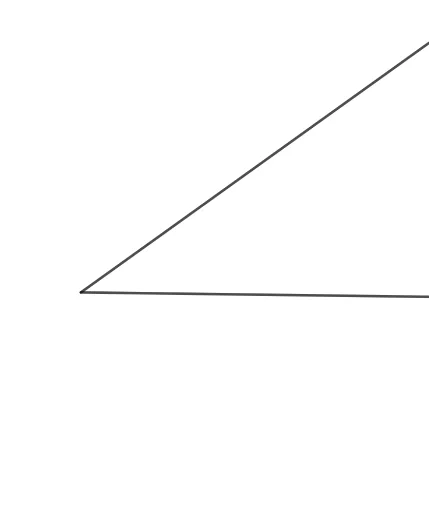
This example demonstrates how to construct an angle bisector using GeoGebra. Core math concepts involved include angles, geometric constructions, and symmetry. Key construction steps involve using the Ray command with objects A, B, f, C, g to define the vertex and sides of the angle. Suitable for middle school and above students learning and practicing geometric construction skills.
GeoGebra Commands & Parameters
Ray(A, B) → fRay(A, C) → g
AI Drawing Prompt Reference
Draw an angle and its angle bisector. First, draw two rays from point A to points B and C, forming an angle. Then, use the angle bisector construction method to find and draw the angle bisector of this angle.
The prompt above was compiled from the original drawing commands and is for reference only.