
Practice - Construct a Perpendicular Bisector
Loading the math board and drawing, please wait…
In collections
*Geometry with Math Energy TV*
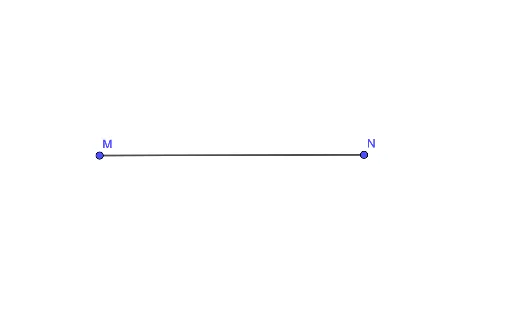
This example demonstrates how to construct a perpendicular bisector of a line segment using GeoGebra. The core mathematical concepts involved include line segments, midpoints, and perpendicular lines. The construction uses the Segment command to draw the line segment and points M and N as the endpoints, with object f representing the perpendicular bisector. It is suitable for middle school mathematics education, helping students understand the construction method and application of perpendicular bisectors.
GeoGebra Commands & Parameters
Segment(M, N) → f
AI Drawing Prompt Reference
Draw a line segment with endpoints M and N, then construct the perpendicular bisector of the segment, labeled as f.
The prompt above was compiled from the original drawing commands and is for reference only.