
Powers of Complex Numbers: Geometric Visualization of Rotation and Scaling
Loading the math board and drawing, please wait…
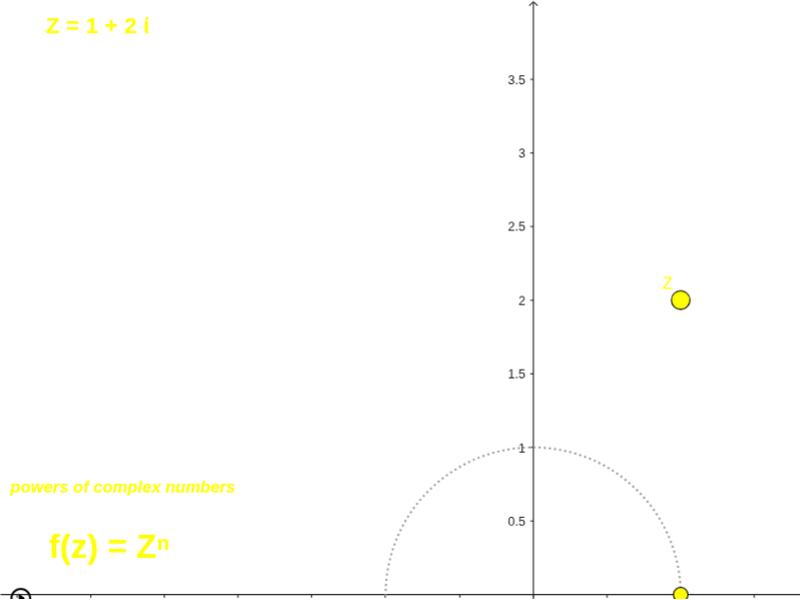
① This example demonstrates how raising a complex number to a power (e.g., z^n) affects its modulus and argument in the complex plane, showing that the modulus scales exponentially and the argument rotates by a multiple. ② Core mathematical concepts include polar representation of complex numbers, De Moivre's theorem, geometric interpretation of complex multiplication, and rotation on the unit circle. ③ Construction highlights: using GeoGebra commands such as Intersect, Circle, Rotate, Angle to build the unit circle and rotation angles; ToComplex and ToPolar for coordinate conversions; Vector and Mirror for displaying vectors and symmetries. Key objects include N, A, c, C, Nroot, α_1, u, v, α, NrootPower, w, z, β, with slider n controlling the power, Zpower showing the result, and Zshow toggling visibility. ④ Suitable for high school to early college students to grasp the geometric meaning of complex powers, and useful for math experiments or inquiry-based learning.
GeoGebra Commands & Parameters
Intersect(xAxis, yAxis) → ACircle(A, 1) → cRotate(C, (360 / N)°, A) → NrootAngle(C, A, Nroot) → α_1ToComplex(Vector[Nroot]) → uToPolar(Vector[Nroot]) → vVector(NrootPower) → wToPolar(w) → zAngle(C, A, NrootPower) → βToComplex(w) → aToComplex(Vector[Z]) → CZMirror(Z, xAxis) → ZCMirror(ZC, c) → ZCIToComplex(Vector[ZC]) → CZCToComplex(Vector[ZCI]) → CZCIVector(Zpower) → hVector(z_1) → jVector(z_2) → kVector(z_3show) → lVector(z_2show) → mMirror(Z, c) → ZRI
AI Drawing Prompt Reference
Draw the geometric visualization of complex powers, including the unit circle, rotation angles, vectors, and reflections. Start by drawing the intersection point A of the x-axis and y-axis, and then draw the unit circle c centered at A. Rotate N times to get N roots Nroot, calculate its angle α_1, and convert it to complex number u and polar coordinates v. Then calculate the power NrootPower, getting polar coordinates z and vector w. Use reflection operations to get vector h of Zpower, and the reflections of Z and ZC to get ZCI. Finally, display vectors j, k, and l of Zpower, ZC, and ZCI, and the reflection vector m of ZC.
The prompt above was compiled from the original drawing commands and is for reference only.