
Power Rule Verification
Loading the math board and drawing, please wait…
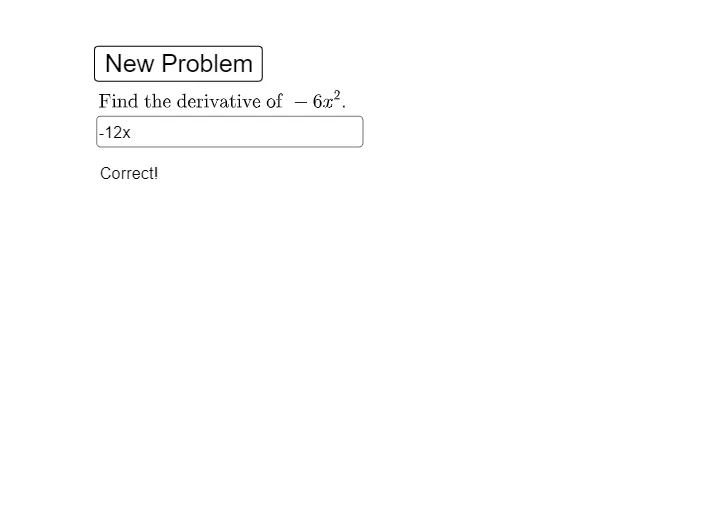
This example demonstrates how to verify the power rule for derivatives using GeoGebra. It generates simple monomials randomly, computes their derivatives, and visually confirms the correctness of the results. Core math concepts include derivatives, power functions, and differential calculus. The construction uses commands like Random, Textfield, If, and objects such as a, b, f, g, with interactive buttons for input and output display. Suitable for high school and introductory college calculus students learning about function derivatives.
GeoGebra Commands & Parameters
Random(-10, 10) → aRandom(2, 12) → bTextfield(f) → InputBox1If(f(ℯ) - g(ℯ) ≟ 0, "Correct!", "No. Try Again.") → text2
AI Drawing Prompt Reference
Create an interactive math diagram for verifying the power rule of derivatives. The scene includes a randomly generated monomial function with a coefficient and exponent, displayed in input fields. A separate input box allows the user to enter a candidate derivative function. The system compares the entered function with the correct derivative at a specific point (e.g., e) and shows a message: 'Correct!' if they match, otherwise 'No. Try Again.' The diagram features coordinate axes, the original function curve, and the derivative curve, along with buttons to regenerate random values. The layout is clean and suitable for high school or introductory college calculus students.
The prompt above was compiled from the original drawing commands and is for reference only.