
Plotting Points with Animation
Loading the math board and drawing, please wait…
In collections
Points, Lines and Planes
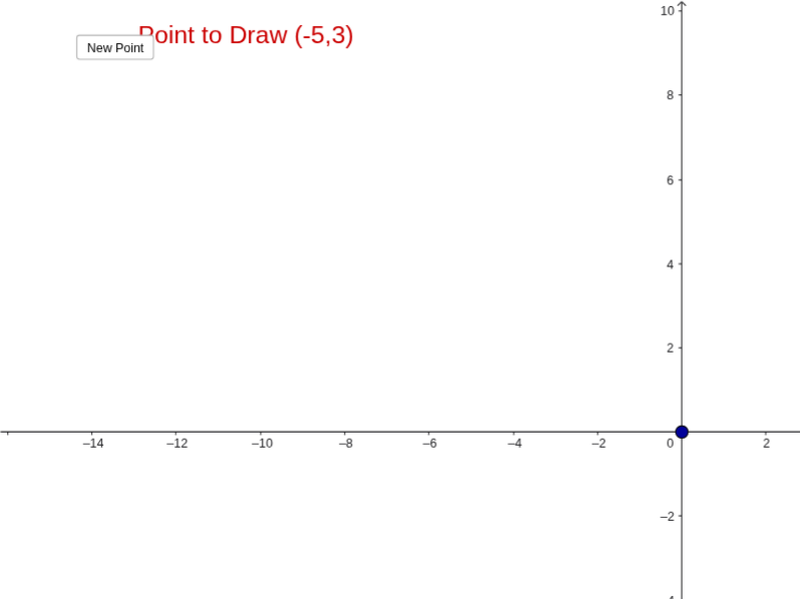
This example demonstrates the process of correctly plotting points with animation, helping students understand the concept of coordinate representation and coordinate geometry. It uses commands like Random, objects A, a, b, text1, button1, text2, button2, and text3 in GeoGebra. Suitable for middle school and above students to practice coordinate representation and coordinate geometry.
GeoGebra Commands & Parameters
Random(-10, 10) → aRandom(-10, 10) → b
AI Drawing Prompt Reference
Create two points A and B with random coordinates between -10 and 10. Observe their positions in the coordinate system and use the animation feature to randomly change the positions of points A and B, helping to understand coordinate representation and coordinate geometry.
The prompt above was compiled from the original drawing commands and is for reference only.